

How to improve FPS in Indiana Jones and the Great Circle (PC)
Indiana Jones and the Great Circle is MachineGames' action-stealth adventure built on idTech 7, the same engine that powers Doom Eternal. Between tomb exploration full of traps, improvised melee combat, and stealth across open 1930s-set areas, the game inherits id Software's engine's reputation for outstanding optimization, but with one non-negotiable condition: ray tracing is baked into the renderer and can't be turned off, which raises the hardware floor needed to play smoothly.
This is what you'd gain with a NVIDIA RTX 4060 Ti
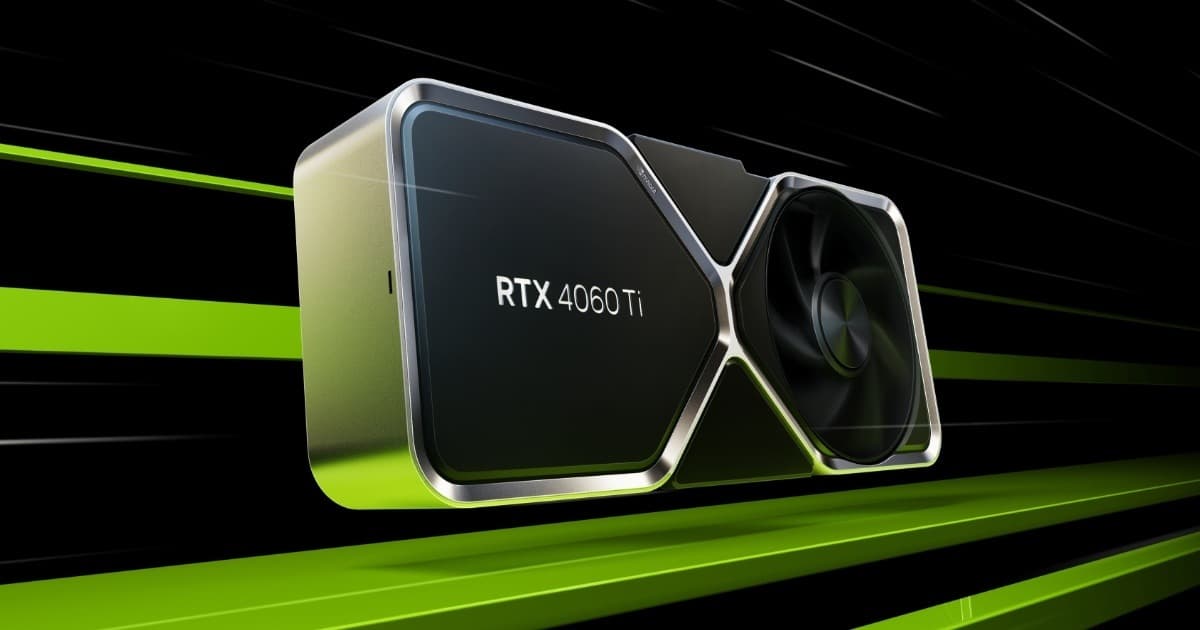
Want the RTX 4060 Ti at the best price?
Check the current price on Amazon.
Calculations based on our FPS model combined with the % gain of each setting (measured in public benchmarks).
1. Quick wins (no visual loss)
Start here. Each one adds a little, but together they give +33% free FPS.
Ray Tracing Quality
Controls the resolution and bounce count of the ray traces that light tombs and exteriors. Since it's mandatory, this is the setting with the most real headroom to recover FPS without losing the game's signature global illumination.
Shadows
Lowers the resolution of dynamic shadow maps indoors in tombs and temples, areas with multiple light sources.
Reflections
Ray-traced reflections on wet floors and polished surfaces are among the scene's most expensive effects; lowering them barely affects overall image readability.
Vegetation Density
In outdoor areas like Giza or Thailand, reducing grass and foliage density eases geometry and shading load without changing the environment's silhouette.
Motion Blur
Motion blur costs almost nothing, but disabling it improves perceived sharpness during melee combat and Indy's parkour.
2. Medium impact settings
Here's where most of the FPS is. Minor visual impact, major performance impact.
Texture Resolution
With less than 8GB of VRAM it's worth dropping from Ultra to High to avoid stuttering from texture streaming while exploring the most detailed tombs.
Ambient Occlusion
Combines with global RT for contact shading; lowering it reduces compute load in scenes with lots of stone and ruin geometry.
Particle Density
Dust, smoke, and explosion effects during the most intense action sequences generate punctual GPU load that can be trimmed without affecting gameplay.
Object Draw Distance
Reduces the detail level of distant objects in wide exteriors like the Vatican or Giza, where there's lots of ambient decoration.
Character Level of Detail (LOD)
Lowers NPC detail at medium distance during crowd sections, common in the game's urban areas.
3. Upscaling (DLSS / FSR / XeSS)
The biggest gain in the game. Compatible with almost any modern GPU.
NVIDIA DLSS 3 (Frame Generation)
+55% FPSOn RTX 40 and 50 series GPUs, combining DLSS Quality with Frame Generation practically doubles perceived framerate, making it the recommended path for 4K play with mandatory RT active.
AMD FSR 3.1
+35% FPSAvailable on AMD, NVIDIA, and Intel GPUs; Quality mode offers a good balance, though its image reconstruction is somewhat less sharp than DLSS in scenes with dense vegetation.
Intel XeSS
+30% FPSA good alternative on Intel Arc GPUs and as a secondary option on other cards; solid performance though behind DLSS in sharpness at the same internal resolution percentage.
Dynamic Resolution Scaling
+15% FPSMaintains a target FPS by adjusting internal resolution in real time; useful as a safety net in the most demanding action scenes with lots of RT effects on screen.
4. Tips by GPU
NVIDIA
- •Enable Reflex to reduce input latency during melee combat, especially if you use Frame Generation.
- •Prioritize RTX 30 series cards and up: RT cores from earlier generations heavily penalize performance with mandatory RT.
- •Always update to the latest Game Ready driver before playing; MachineGames has published several NVIDIA-focused performance patches in the months after launch.
AMD
- •On RDNA 2 GPUs (RX 6000), expect a bigger impact from mandatory RT than on an equivalent NVIDIA card; compensate by lowering reflections and shadows before render resolution.
- •RDNA 3 (RX 7000) handles ray tracing load better; combine it with FSR 3.1 Quality to hold a stable 60 FPS at 1440p.
- •Check that Smart Access Memory (SAM/Resizable BAR) is enabled in the BIOS, since the game benefits noticeably from it on AMD setups.
Intel
- •On Arc, enable XeSS in native mode (not the DP4a version) for better quality and performance if your card supports it.
- •Latest-generation Intel processors don't show any relevant bottlenecks; the load falls almost entirely on the GPU.
- •Verify Resizable BAR is enabled, a requirement Intel recommends to get the most out of Arc cards in this title.
Sistema
- •Install the game on an SSD: texture streaming in large tombs causes noticeable pop-in on mechanical drives.
- •At least 16GB of RAM is recommended; with 8GB, micro-hitches appear loading new areas.
- •Close background recording overlays, since the game is sensitive to VRAM overload on 8GB cards.
5. Known game issues
Crashes when switching graphics API mid-session
Some users reported unexpected crashes when toggling between DirectX 12 and ray tracing modes within the same session; restarting the game after changing graphics settings avoids the issue.
Estado: January 2025 patch
High VRAM usage on 8GB cards
With textures on Ultra and RT on High, 8GB GPUs suffer FPS drops and slow-loading textures; lowering texture resolution to High fixes most cases.
6. Frequently asked questions
Why can't I disable ray tracing in Indiana Jones and the Great Circle?▾
What's the minimum GPU I need to play smoothly?▾
Is it worth using Frame Generation in this game?▾
Is the game well optimized despite the mandatory ray tracing?▾
Want to know exactly how many FPS YOUR PC will get?
Enter your GPU and CPU in our calculator and measure the real impact of each setting.
Calculate FPS for Indiana Jones and the Great Circle →Calculations based on consensus of technical sources and our own FPS model. More about our methodology →