

How to improve FPS in Assassin's Creed Shadows (PC)
Assassin's Creed Shadows takes you to feudal Japan during the Sengoku period, alternating between Naoe's nimble stealth and Yasuke's forceful combat across castles, temples, and fields that change with the seasons. The Anvil engine renders extremely dense vegetation (especially autumn leaves and grass fields with real physics), global illumination with partially mandatory ray tracing in the player's hideout, and cities like Kyoto with high NPC density. It's demanding even for high-end GPUs if everything is set to Ultra, but it responds very well to selective tuning of shadows, vegetation, and upscaling.
This is what you'd gain with a NVIDIA RTX 4060 Ti
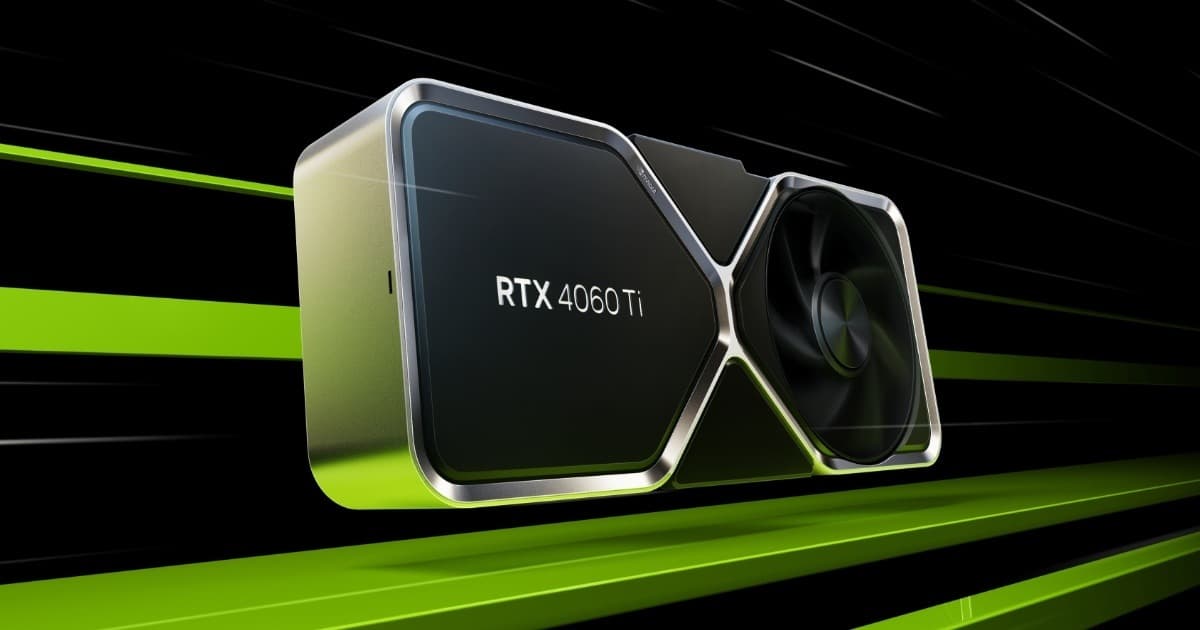
Want the RTX 4060 Ti at the best price?
Check the current price on Amazon.
Calculations based on our FPS model combined with the % gain of each setting (measured in public benchmarks).
1. Quick wins (no visual loss)
Start here. Each one adds a little, but together they give +56% free FPS.
Ray-Traced Global Illumination
Limits mandatory ray tracing to the player's hideout and uses traditional global illumination (SSGI) across the rest of the open world. It's the setting with the biggest return in the whole game.
Shadow Quality
Reduces shadow map resolution and dynamic shadow distance for NPCs and vegetation. It's the second-biggest performance drag after RT.
Vegetation / Foliage Density
Reduces the density of grass, fallen leaves, and bushes that the Anvil engine simulates with individual physics, especially noticeable in autumn scenery.
Texture Streaming Quality
On cards with 8GB of VRAM, keeping this at Ultra causes hitching and micro-stutter from memory saturation; Medium avoids the problem with no visible loss at normal play distance.
Motion Blur
Barely affects performance but disabling it improves perceived sharpness during combat and fast parkour.
2. Medium impact settings
Here's where most of the FPS is. Minor visual impact, major performance impact.
Crowd Density
Controls the number of NPCs simulated simultaneously in cities like Kyoto or Osaka, where both CPU and GPU take on more load from AI and rendering.
Ambient Occlusion
Reduces ambient occlusion quality without relying on ray tracing, keeping contrast in interiors and under temple eaves.
Water Simulation Quality
Affects the simulation of rivers, lakes, and flooded rice paddies, common across the rural Izumi region map.
Screen Space Reflections
Reduces the resolution of screen-space reflections, most visible on rain-slicked floors during seasonal rain and polished temple surfaces.
Volumetric Clouds & Fog
Controls the density of volumetric clouds and seasonal fog, with an especially high cost during sunrises and in autumn/winter morning fog.
3. Upscaling (DLSS / FSR / XeSS)
The biggest gain in the game. Compatible with almost any modern GPU.
NVIDIA DLSS 4 (Transformer Model)
+45% FPSThe recommended option on RTX GPUs; in Balanced or Performance mode it delivers the best sharpness/performance ratio in the game, and combined with Frame Generation on RTX 40/50 the FPS jump can exceed 70%.
AMD FSR 3.1
+35% FPSA good cross-platform alternative, somewhat less sharp than DLSS in fast motion during parkour, but with its own Frame Generation available even on NVIDIA GPUs without DLSS-FG support.
Intel XeSS
+30% FPSSolid performance on Arc and acceptable on GPUs from other vendors via the DP4a model; somewhat behind DLSS in image stability with vegetation in motion.
Frame Generation (DLSS/FSR)
+60% FPSDoubles perceived FPS when combined with base upscaling; recommended only if the game is already running above 50-60 native FPS to minimize added input lag.
4. Tips by GPU
NVIDIA
- •Enable DLSS 4 with the Transformer model from the NVIDIA App graphics menu to improve image stability on vegetation and hair.
- •On RTX 40/50, combine DLSS Upscaling with Frame Generation to break 60 FPS at 1440p/4K with RT enabled.
- •Update to the newest Game Ready drivers: the initial releases had notable VRAM leaks on 8GB cards.
AMD
- •Use FSR 3.1 at Quality and enable AMD Fluid Motion Frames or the game's native Frame Generation if your GPU doesn't reach 60 base FPS.
- •On Radeon RX 6000/7000, lower Shadow Quality and Ray-Traced GI before render resolution: the game is more sensitive to those two settings.
- •Check that Smart Access Memory (ReBAR) is enabled in the BIOS; the Anvil engine benefits noticeably from it in this title.
Sistema
- •Install the game on an SSD: on HDD you'll see severe stutter and texture pop-in regardless of GPU.
- •Close Chrome, Discord, and RGB overlays running in the background; they consume CPU/RAM and cause noticeable micro-stutter in dense cities.
- •If you notice unexplained FPS drops after a Windows update, check updates KB5066835 and KB5065678, flagged by the community as causing performance degradation in this game.
5. Known game issues
VRAM leaks on 8GB GPUs at launch
Early builds of the game showed VRAM usage growing over play time on 8GB cards, causing progressive stuttering that was resolved by restarting the game.
Estado: Patch 1.0.3
Ray-Traced GI can't be disabled in the hideout
Unlike the rest of the world, the player's hideout forces ray tracing even with the option set to its lowest level, disproportionately hurting performance in that specific area.
FPS drops after Windows 11 updates
Certain cumulative Windows 11 updates (KB5066835, KB5065678) have been reported by the community as causing performance degradation specific to this title, with no apparent connection to GPU drivers.
6. Frequently asked questions
Is Ray Tracing mandatory in Assassin's Creed Shadows?▾
Which setting gives the most FPS with the least visual loss?▾
Do I need an SSD to play Assassin's Creed Shadows smoothly?▾
DLSS or FSR for better performance in this game?▾
Want to know exactly how many FPS YOUR PC will get?
Enter your GPU and CPU in our calculator and measure the real impact of each setting.
Calculate FPS for Assassin's Creed Shadows →Calculations based on consensus of technical sources and our own FPS model. More about our methodology →