

How to improve FPS in Pragmata (PC)
Pragmata is Capcom's new sci-fi action-adventure title built on RE Engine, the same engine behind Resident Evil 4 Remake and Dragon's Dogma 2. Being a recent 2026 release, there aren't yet mass benchmarks or a broad community consensus on its PC performance. This guide is based on the official Steam requirements and on the typical behavior of RE Engine in previous Capcom titles (aggressive VRAM management with high textures, good upscaling support, possible CPU bottlenecks in dense scenes). We'll refine the percentages and recommendations as more real community data becomes available.
This is what you'd gain with a NVIDIA RTX 4060 Ti
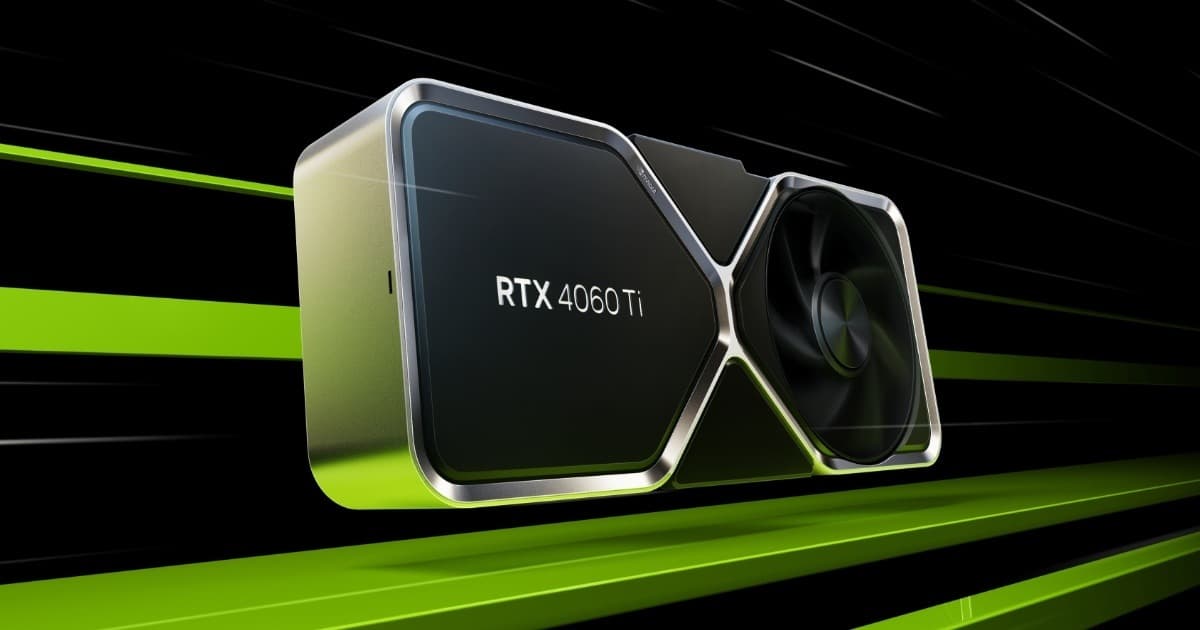
Want the RTX 4060 Ti at the best price?
Check the current price on Amazon.
Calculations based on our FPS model combined with the % gain of each setting (measured in public benchmarks).
1. Quick wins (no visual loss)
Start here. Each one adds a little, but together they give +31% free FPS.
Texture Quality
In recent RE Engine games (RE4 Remake, DD2) texture quality is the setting that consumes the most VRAM, and if it exceeds the GPU's limit, it causes severe micro-stuttering rather than a simple FPS drop. Dropping it one notch is usually barely noticeable visually but greatly stabilizes frametime.
Ray Tracing / RT Reflections
If Pragmata includes optional ray tracing (like other recent RE Engine titles), it usually has a high cost for a visual improvement that goes unnoticed during fast-paced gameplay. Disabling it is one of the settings with the biggest FPS impact.
Volumetric Lighting / Volumetric Fog
The sci-fi setting with lunar stations and enclosed spaces will likely rely heavily on volumetric lighting for atmosphere. In RE Engine this effect is usually among the most expensive, behind shadows and RT.
Motion Blur
Adds little to gameplay, and in action games with fast combat like Pragmata it can make reading enemy patterns harder. Small but free FPS gain.
2. Medium impact settings
Here's where most of the FPS is. Minor visual impact, major performance impact.
Shadow Quality
RE Engine's dynamic shadows are expensive, especially in scenes with multiple artificial light sources, as you'd expect in a futuristic environment/space station. Dropping from High to Medium usually gives a good balance.
Ambient Occlusion
RE Engine's SSAO/HBAO adds depth to environments but its cost doesn't always justify the highest setting. A medium level maintains contrast without penalizing performance as much.
Mesh Quality / Geometry Detail Level
Controls the polygon density of objects and characters at distance. In Dragon's Dogma 2 this setting had a moderate impact mostly in wide-open exteriors; in Pragmata, with open lunar landscapes, it could behave similarly.
Screen Space Reflection Resolution (SSR)
The metallic surfaces of spacesuits and stations likely depend on screen-space reflections. Lowering their resolution saves performance without losing much visual fidelity.
3. Upscaling (DLSS / FSR / XeSS)
The biggest gain in the game. Compatible with almost any modern GPU.
DLSS (NVIDIA)
+35% FPSRE Engine has integrated DLSS in its recent releases with good results. In Quality mode it should deliver a notable FPS gain with minimal loss of sharpness; in Performance the jump is bigger but the effect is more noticeable in fast-moving scenes.
FSR (AMD)
+30% FPSFSR is usually available at launch in recent Capcom games. It works on any GPU, though on RE Engine it tends to show a bit more ghosting than DLSS in scenes with particles or volumetric effects.
Frame Generation
+50% FPSIf the game includes frame generation (DLSS 3/FSR 3), it can double the on-screen FPS counter, though it doesn't reduce input latency. Recommended only if you're already starting from a stable base of 50-60 real FPS.
4. Tips by GPU
NVIDIA
- •Enable DLSS in Quality mode as your first option before touching manual graphics settings.
- •If you're using Frame Generation, check first that latency with Reflex enabled stays comfortable, since in fast action scenes input lag can be noticeable.
- •On cards with 8GB of VRAM or less, watch memory usage with Texture Quality on High: if RE Engine behaves like it did in previous titles, exceeding your GPU's VRAM limit causes more annoying stutter than preemptively lowering texture quality.
AMD
- •FSR usually needs more manual tuning than DLSS to avoid ghosting on volumetric effects; try Quality mode first.
- •On AMD GPUs with limited VRAM, drop Texture Quality one notch before any other setting: in RE Engine it's usually the most decisive parameter for avoiding stuttering.
- •If you have a mid-range CPU, pay attention to scenes with lots of androids or NPCs on screen: Dragon's Dogma 2 showed CPU bottlenecks in dense RE Engine zones, and Pragmata could inherit that behavior in crowded interiors.
Intel
- •XeSS is a valid alternative if your GPU doesn't support DLSS or FSR well; its quality has improved considerably in recent versions of the engine.
- •On mid-range Intel CPUs, close background processes before playing: if you get occasional FPS drops in zones with a lot of NPC activity, the bottleneck is more likely the CPU than the GPU.
- •Update your graphics drivers to the latest version before touching any in-game setting, especially on recent releases where the first patches usually bring notable performance improvements.
5. Known game issues
High VRAM consumption with high textures
As with RE4 Remake and Dragon's Dogma 2, High/Ultra Texture Quality is likely to spike VRAM usage beyond what 8GB GPUs can handle, causing stuttering and frametime drops rather than a simple FPS decrease. If you notice occasional stutter, lower this setting before anything else.
Possible CPU bottlenecks in dense zones
Dragon's Dogma 2 showed CPU-related FPS drops in cities with heavy NPC simulation. If Pragmata includes urban zones or stations with many simultaneous androids/characters, similar drops could appear regardless of GPU power.
6. Frequently asked questions
Why does this guide have less data than other games?▾
Which setting should I touch first if I get stuttering?▾
Is it worth enabling ray tracing?▾
DLSS or FSR, which should I choose?▾
Want to know exactly how many FPS YOUR PC will get?
Enter your GPU and CPU in our calculator and measure the real impact of each setting.
Calculate FPS for Pragmata →Calculations based on consensus of technical sources and our own FPS model. More about our methodology →