

How to improve FPS in Alan Wake 2 (PC)
Remedy's Alan Wake 2 is the first AAA game designed around Path Tracing as its primary rendering mode, making it the most demanding title in history for mid-range hardware. Without DLSS or FSR active, it's practically unplayable on any GPU below an RTX 4080. The good news: with the right configuration and upscaling enabled, even an RTX 4060 Ti can deliver a smooth and visually impressive 1080p experience.
This is what you'd gain with a NVIDIA RTX 4060 Ti
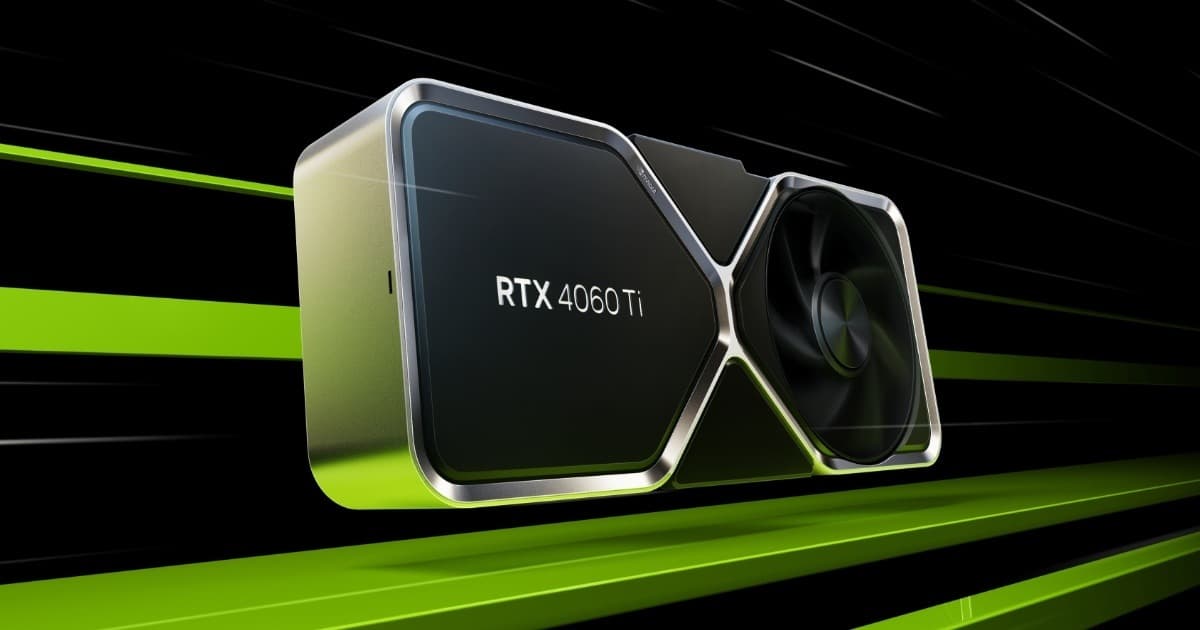
Want the RTX 4060 Ti at the best price?
Check the current price on Amazon.
Calculations based on our FPS model combined with the % gain of each setting (measured in public benchmarks).
1. Quick wins (no visual loss)
Start here. Each one adds a little, but together they give +33% free FPS.
Motion Blur
Motion blur in Alan Wake 2 is intense and can cause disorientation during fast action sequences. Off improves sharpness and frees up a little GPU.
Depth of Field
DoF looks great in cutscenes but is unnecessary during gameplay. Off or Low frees resources with no real impact on the game experience.
Film Grain
Alan Wake 2's cinematic film grain is part of its aesthetic but adds a small GPU cost and reduces perceived sharpness.
Anti-Aliasing
In Alan Wake 2, DLSS/FSR are more than upscaling — they're effectively the game's base rendering mode. Activating them is the most important change you can make.
2. Medium impact settings
Here's where most of the FPS is. Minor visual impact, major performance impact.
Ray Tracing / Path Tracing
Full Path Tracing is visually breathtaking but imposes a massive overhead. Disabling it and using rasterization with DLSS Quality delivers an excellent, fluid experience. Low RT is a good middle ground if you have an RTX 4070.
Volumetric Lighting
Volumetric lighting is one of the game's most accomplished aspects but also one of the most expensive. Medium preserves the atmosphere at lower cost.
Shadow Quality
Shadows in Alan Wake 2 are costly, especially in Bright Falls' forests. Medium delivers very acceptable visual quality with Remedy's Northlight engine.
Global Illumination
Path-traced GI is stunning but devastating. Low GI with Screen Space is still visually solid and frees a massive amount of GPU.
Screen Space Reflections
With RT disabled, enabling SSR at High recovers most of the visual benefit of reflections at a manageable cost. Particularly important in the game's watery zones.
3. Upscaling (DLSS / FSR / XeSS)
The biggest gain in the game. Compatible with almost any modern GPU.
DLSS Quality (NVIDIA RTX 20-series and above)
+30% FPSDLSS is practically mandatory in Alan Wake 2. Quality at 1080p gives an excellent image, and the +30% FPS can be the difference between playable and unplayable on mid-range hardware.
DLSS Frame Generation (RTX 40-series)
+80% FPSCombined with Path Tracing, Frame Generation is the piece that makes the RT mode viable. With an RTX 4070 + DLSS Quality + Frame Gen you can play with Path Tracing at 1080p smoothly.
FSR Quality (AMD and NVIDIA GTX)
+25% FPSFor AMD, FSR Quality is the main upscaling option. AMD doesn't have RT acceleration comparable to NVIDIA, so the recommended approach is disabling RT and using FSR Quality for the best experience.
XeSS Quality (Intel Arc)
+22% FPSAvailable on Arc with good quality. However, RT on Arc is very slow — always prioritize rasterization with XeSS over RT with reduced quality.
4. Tips by GPU
NVIDIA
- •DLSS Quality is the first setting to enable. Without it, the game is practically unplayable on hardware below an RTX 4080.
- •With an RTX 4070 or higher, you can enable Low/Medium Ray Tracing + DLSS Quality for an impressive experience.
- •RTX 40-series + DLSS + Frame Generation is the reference setup for smooth Path Tracing at 1080p.
- •With an RTX 4060 Ti at 1080p (no RT) + DLSS Quality, expect 55-65 stable FPS.
AMD
- •RT acceleration on RDNA3 is significantly slower than on Ada Lovelace — RT on AMD is not recommended.
- •FSR Quality + rasterization is the recommended path for AMD. You get an excellent image without the brutal RT cost.
- •Screen Space Reflections at High as a substitute for RT reflections delivers good results on RX 7000.
Intel
- •Arc B580 with XeSS Quality and RT disabled delivers a very solid 1080p Medium experience.
- •RT on Arc is extremely slow — even more so than on AMD. Disable it without exception.
- •Keep Arc drivers up to date: Intel has improved Northlight engine performance in recent updates.
5. Known game issues
CPU stutter in Bright Falls city
Bright Falls' urban zones have more geometry and NPCs, which can cause intermittent CPU stutters. Installing on an NVMe SSD helps with asset streaming.
Very high VRAM with RT (12 GB+)
Full Path Tracing can demand over 12 GB of VRAM. On 8 GB cards, VRAM overflow stutter occurs. Without RT, 8 GB is sufficient for 1080p High.
Requires DirectX 12 — no Vulkan option
Alan Wake 2 runs exclusively on DX12. This can cause issues on systems with outdated GPU drivers.
Shader compilation on first launch
Like most modern games, it compiles shaders on first launch. Wait at the menu before loading a save to avoid micro-stutters during gameplay.
Estado: Improved in patch 1.1
6. Frequently asked questions
How many FPS will I get with an RTX 4060 Ti at 1080p?▾
Do I need an RTX 40-series to play this properly?▾
Can AMD run Alan Wake 2 with RT?▾
How much VRAM do I need?▾
Want to know exactly how many FPS YOUR PC will get?
Enter your GPU and CPU in our calculator and measure the real impact of each setting.
Calculate FPS for Alan Wake 2 →Calculations based on consensus of technical sources and our own FPS model. More about our methodology →