 Affiliate link
Don't have Dragon Ball: Sparking! Zero yet?
Get it cheaper with an official key on Eneba.
Game keys on saleUpcoming games, cheaper with an official key.

Assassin's Creed Black Flag Resynced
View on Eneba →

Halo: Campaign Evolved
View on Eneba →

Beast of Reincarnation
View on Eneba →

The Sinking City 2
View on Eneba →

Resonance: A Plague Tale Legacy
View on Eneba →

Star Wars Zero Company
View on Eneba →

The Blood of Dawnwalker
View on Eneba →

Halloween: The Game
View on Eneba →

Warhammer 40,000: Dawn of War IV
View on Eneba →

Silent Hill: Townfall
View on Eneba →

Control Resonant
View on Eneba →

Ace Combat 8: Wings of Theve
View on Eneba →

Gears of War: E-Day
View on Eneba →
Affiliate link
What FPS does your GPU get in Dragon Ball: Sparking! Zero?
Search your graphics card and we'll take you straight to its real FPS.
Calculate Dragon Ball: Sparking! Zero FPS with your exact hardware
These FPS assume a reference CPU and 16 GB of RAM. Add your graphics card, processor and RAM to tailor the estimate to your PC.
- Estimate tailored to your rig
- Customize resolution, quality, and RAM
Dragon Ball: Sparking! Zero Benchmark — Estimated FPS by Graphics Card
We calculated the estimated FPS for Dragon Ball: Sparking! Zero on the most popular GPUs on the market, benchmarked at 1080p, 1440p, and 4K. Results show Ultra quality performance with a reference CPU and 16GB of RAM.
Top 6 GPUs for Dragon Ball: Sparking! Zero
Sorted from best to worst performance at 1080p.
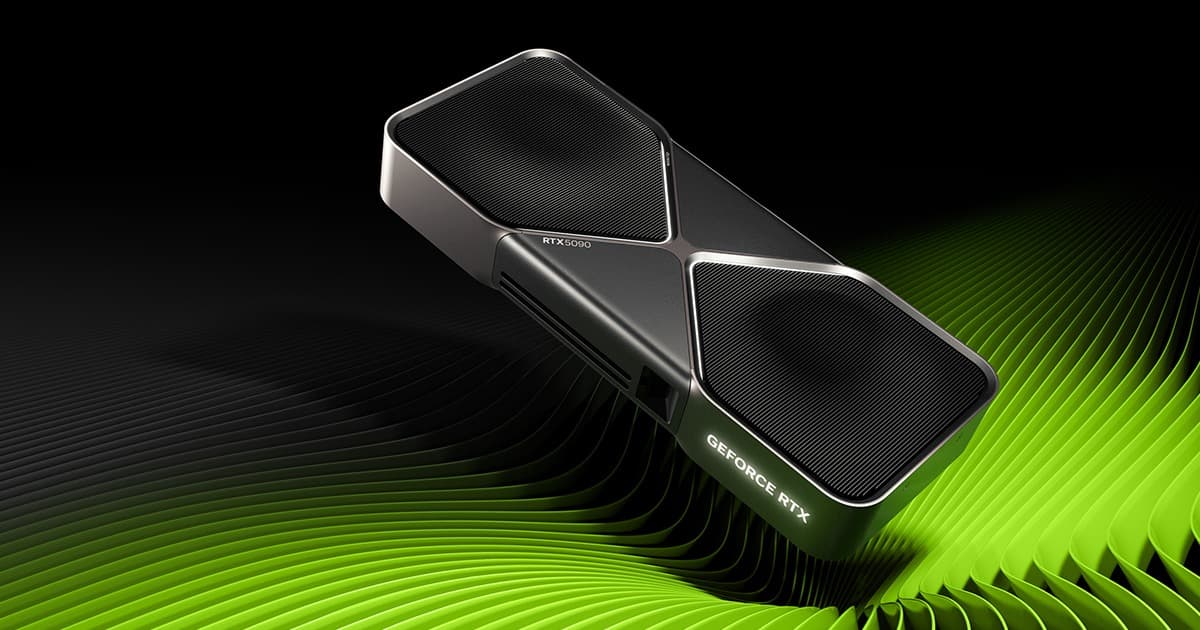
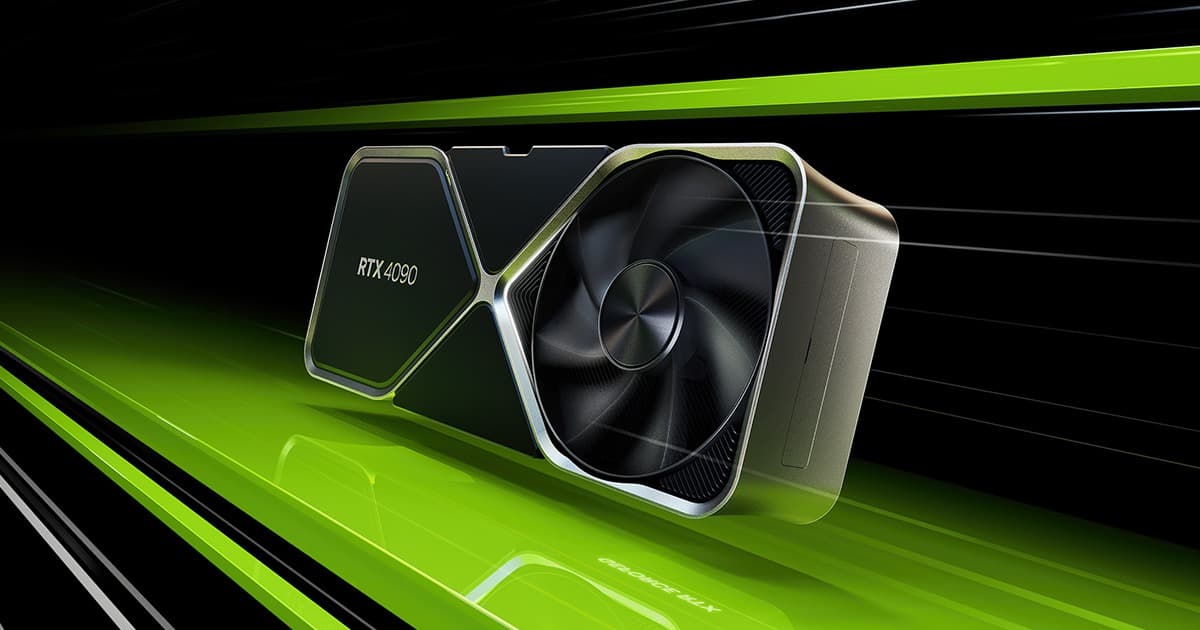
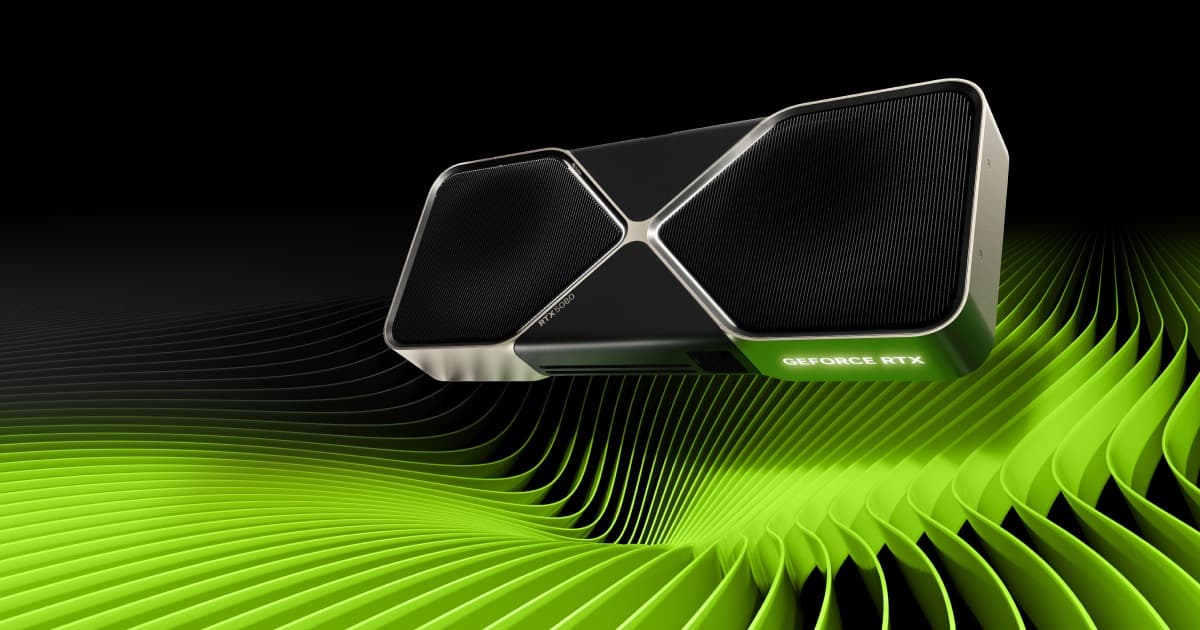
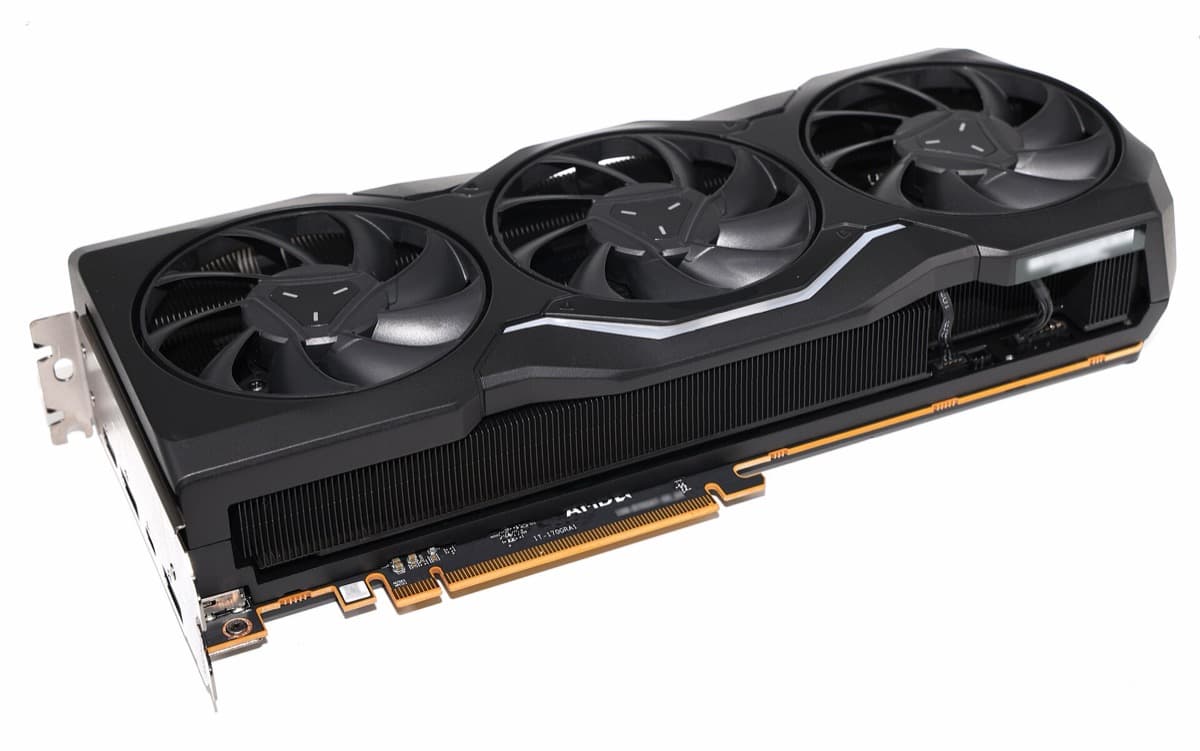
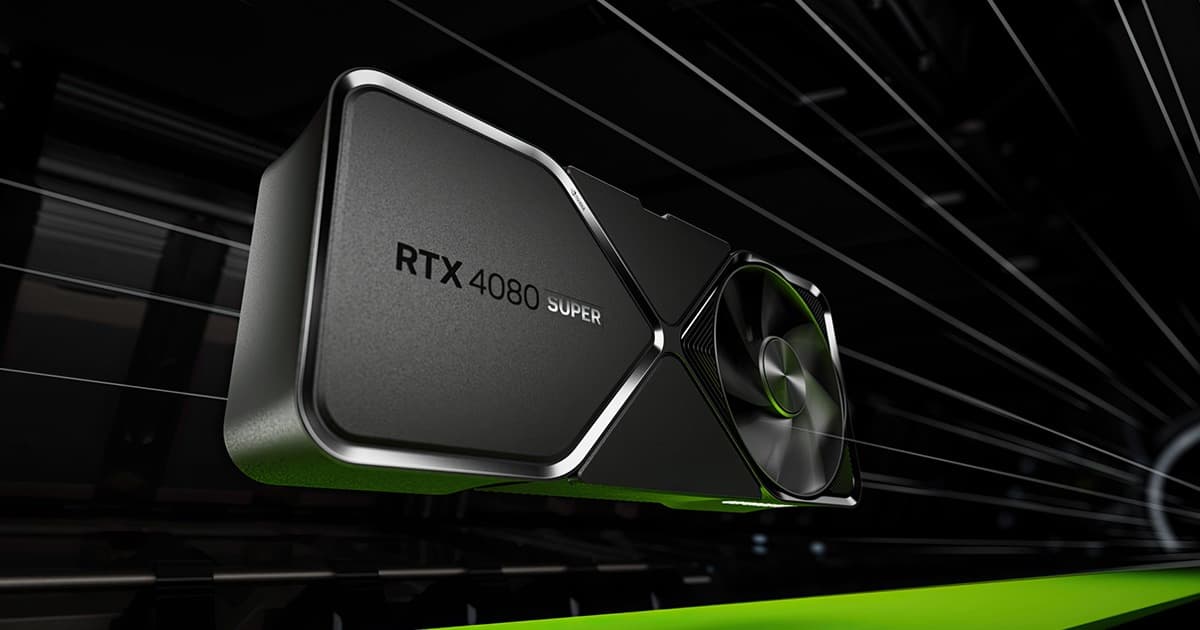
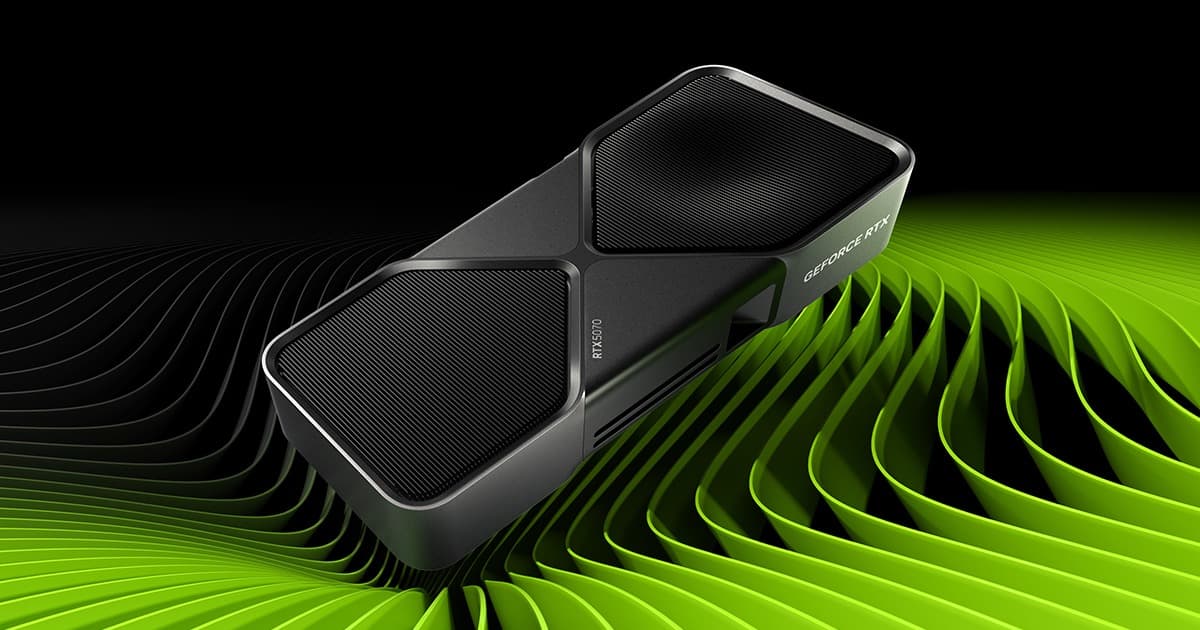
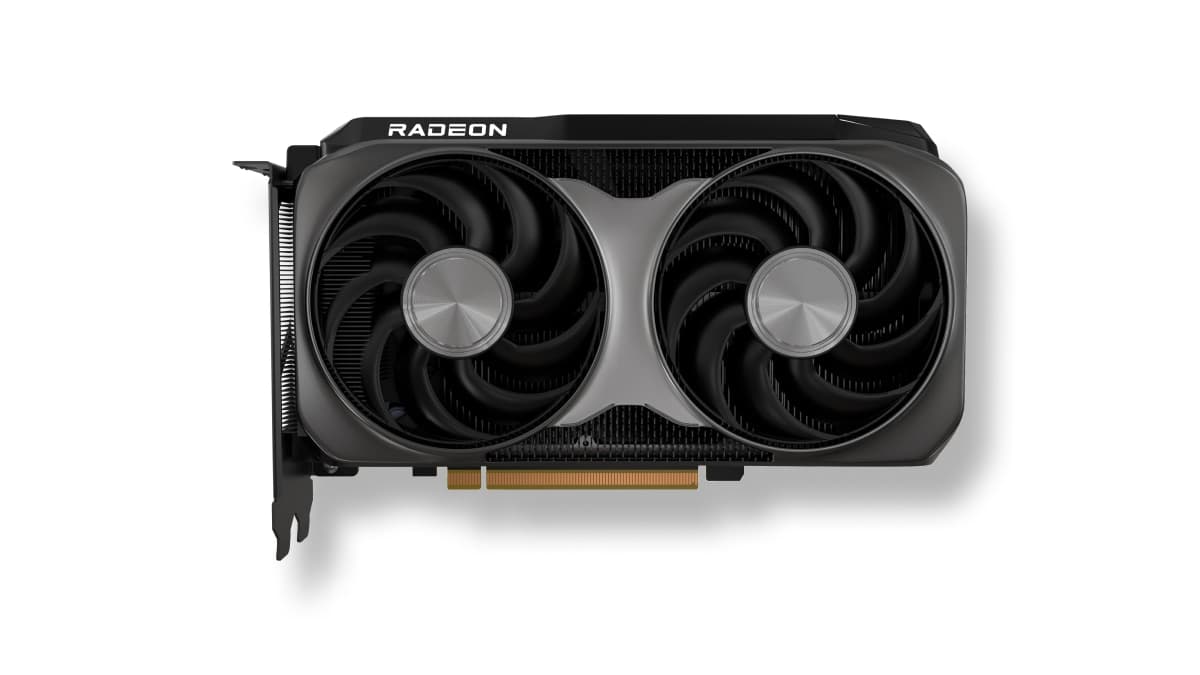
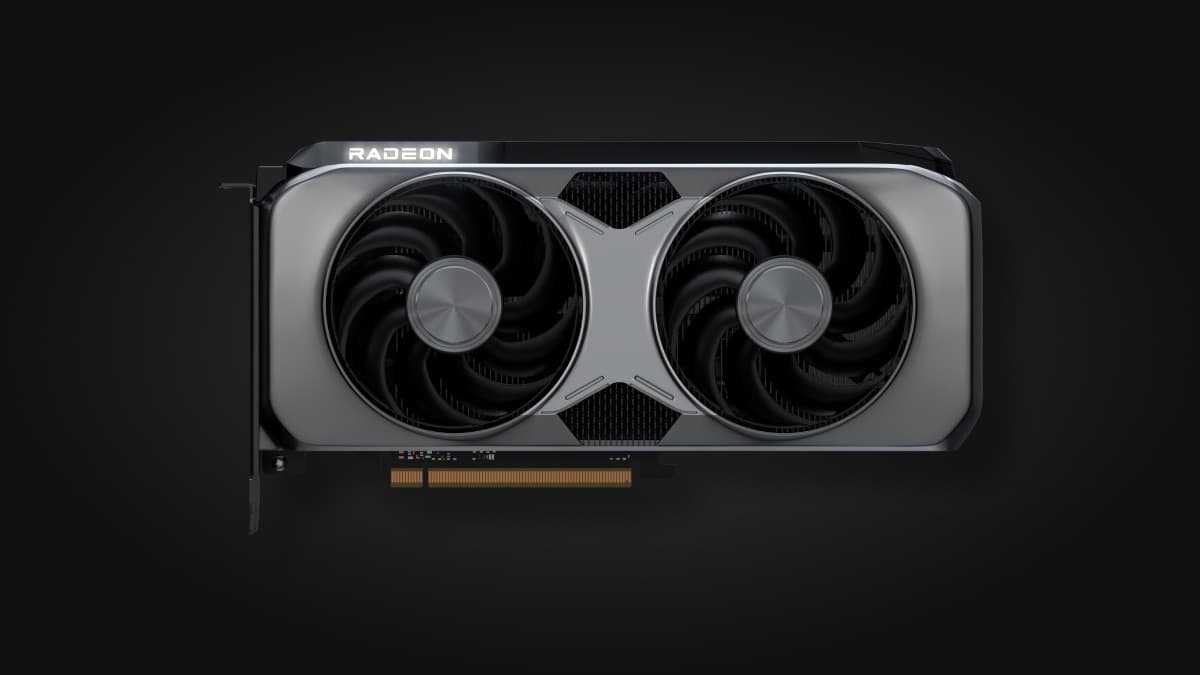
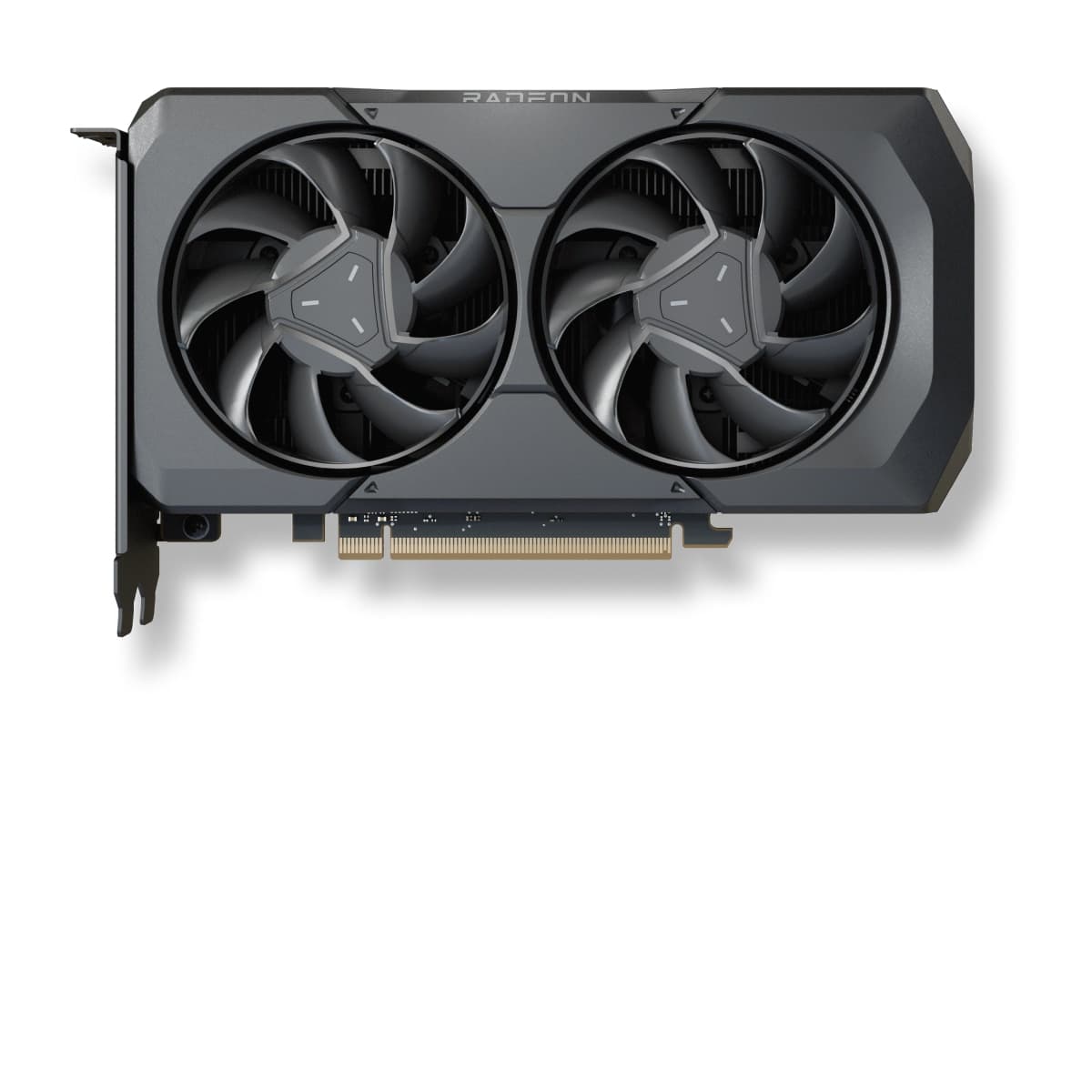
RX 9060 XT 16GB
101 FPS at 1080p for $3.46 · ≈€3.18/FPS — the most performance per dollar or euro spent.
More graphics cards and their FPS in Dragon Ball: Sparking! Zero
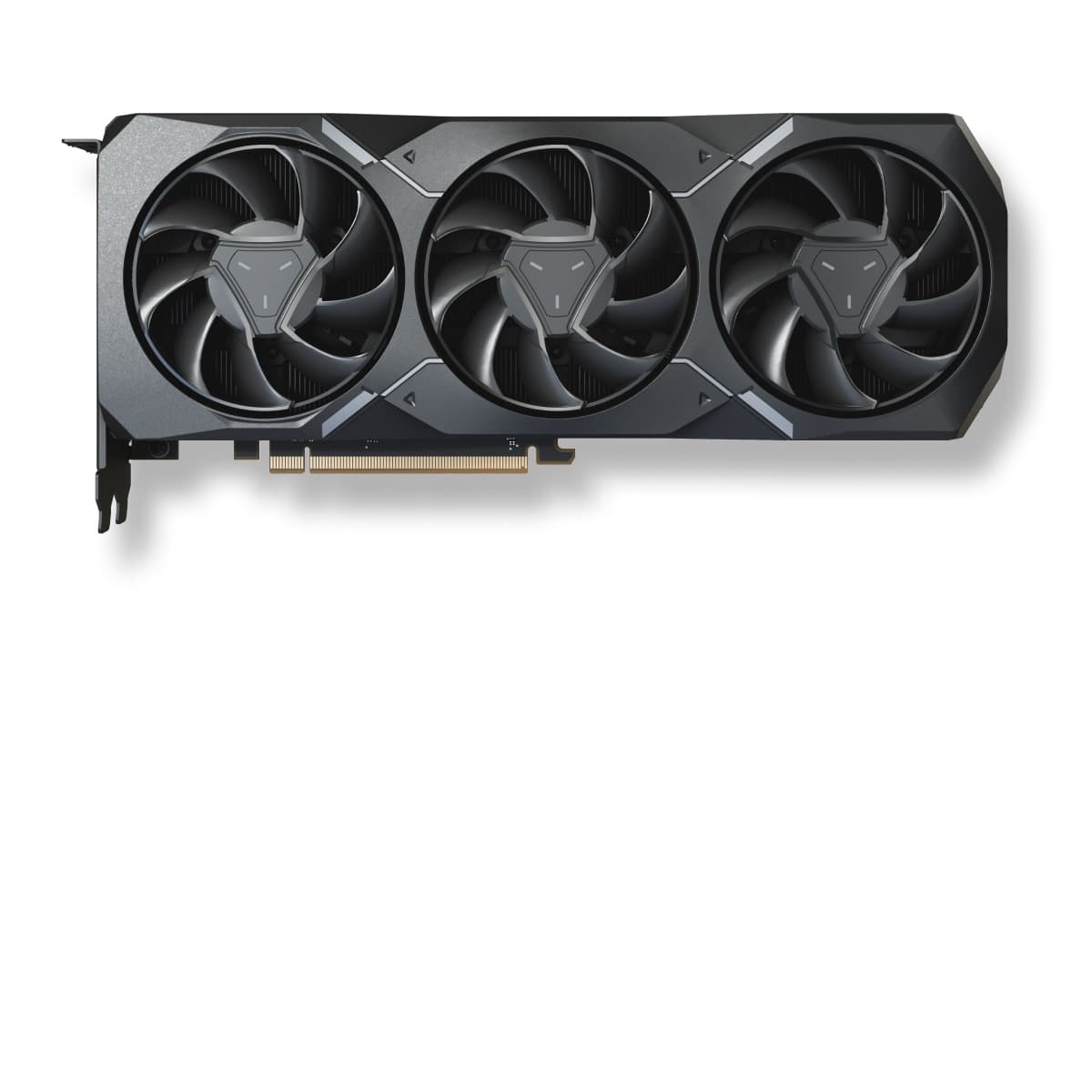
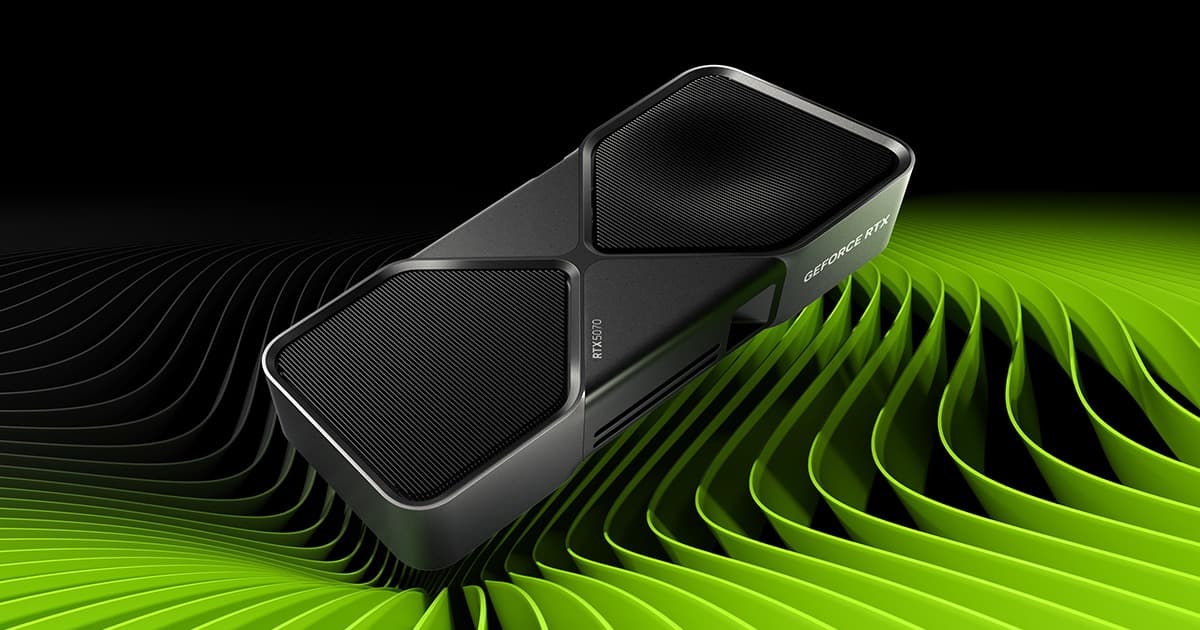
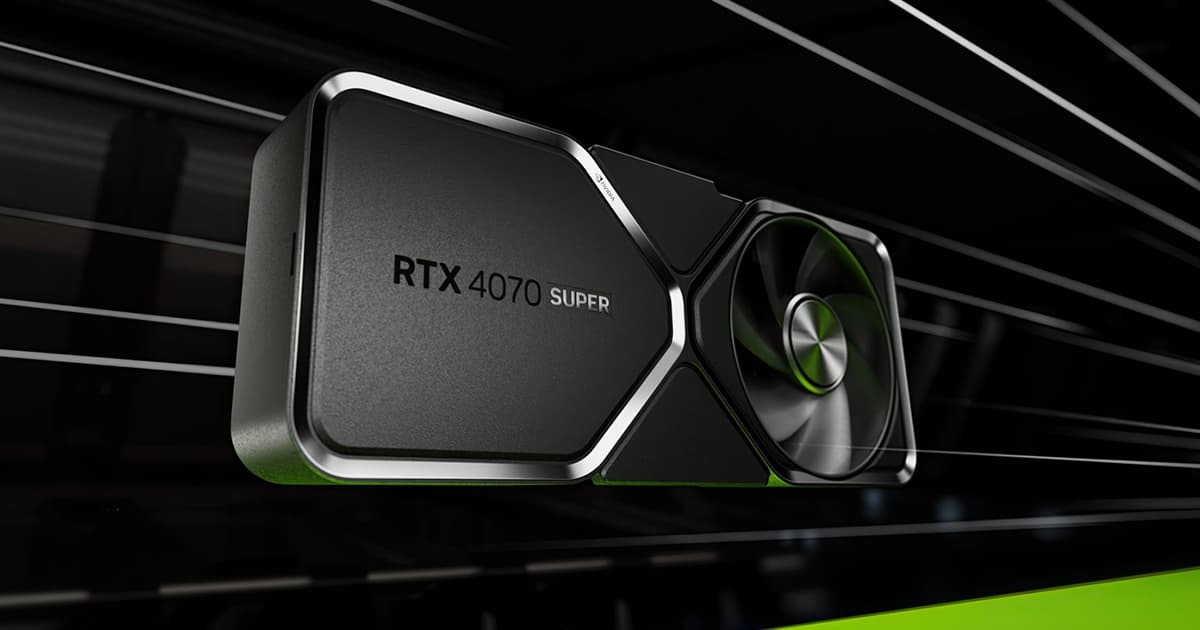
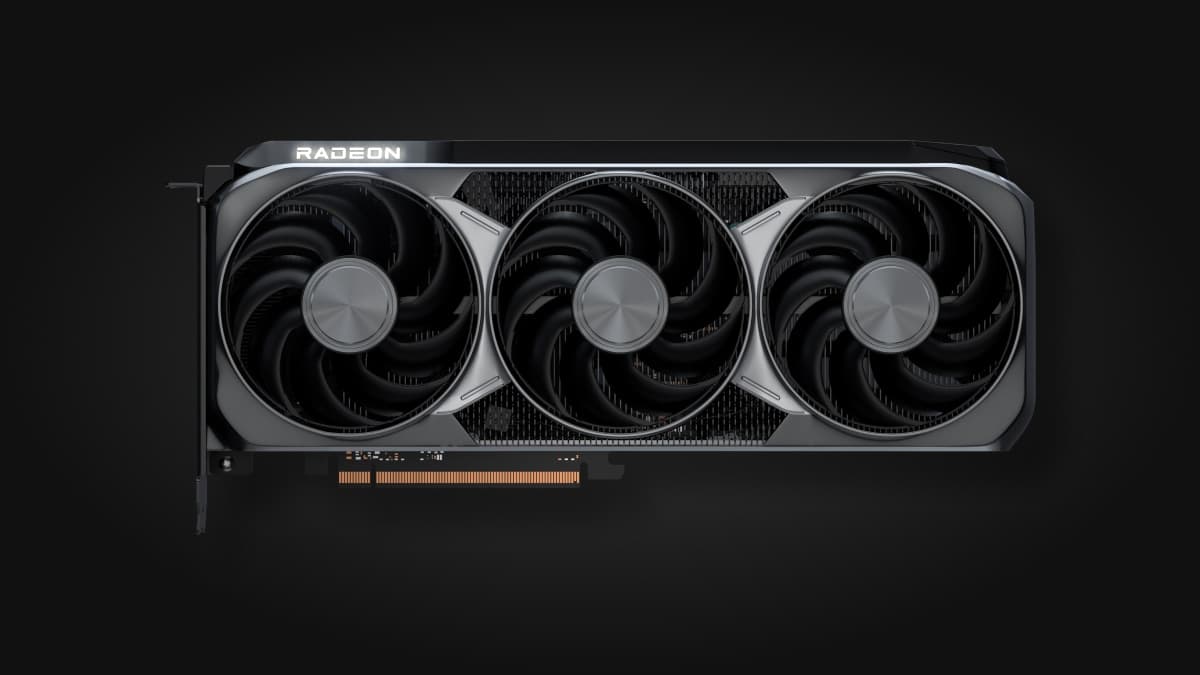
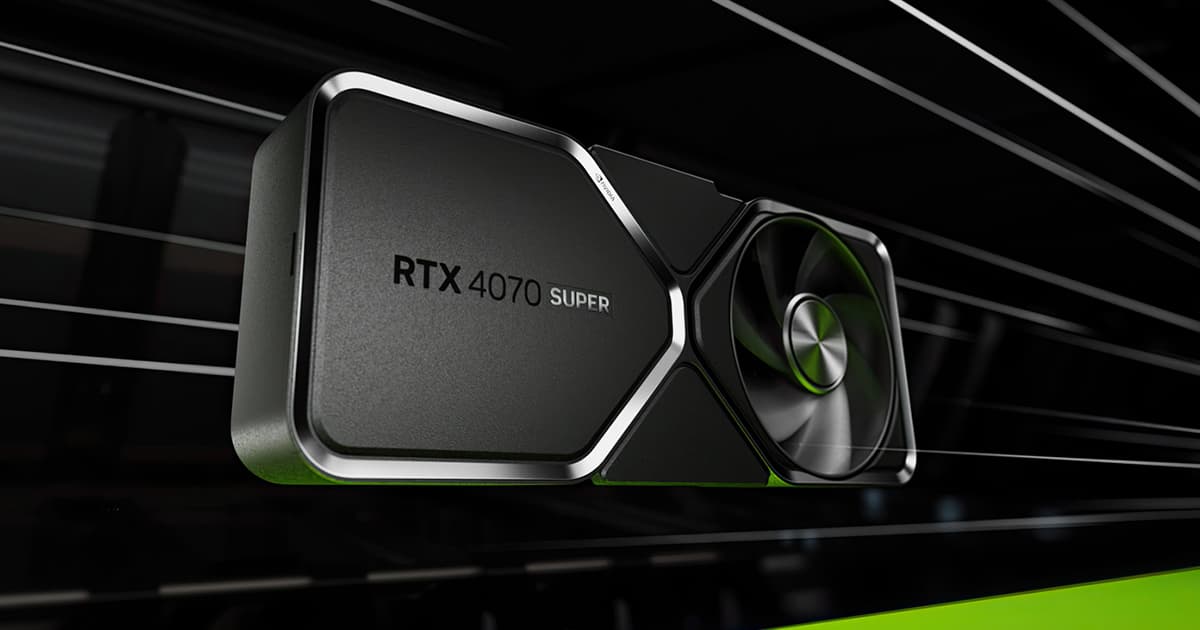
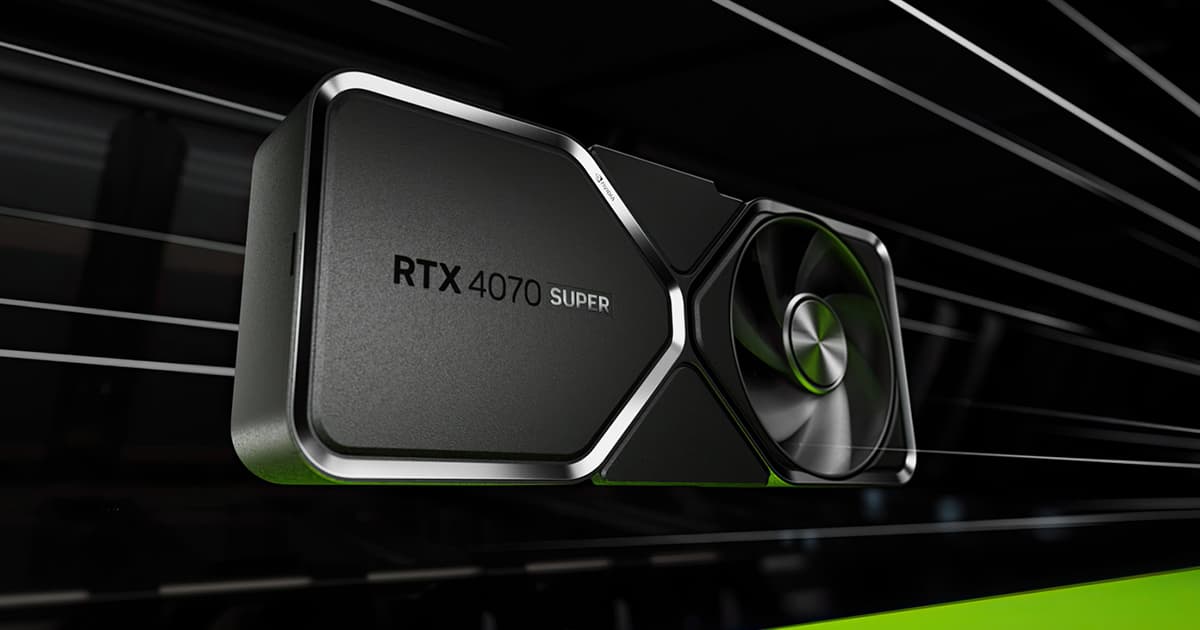
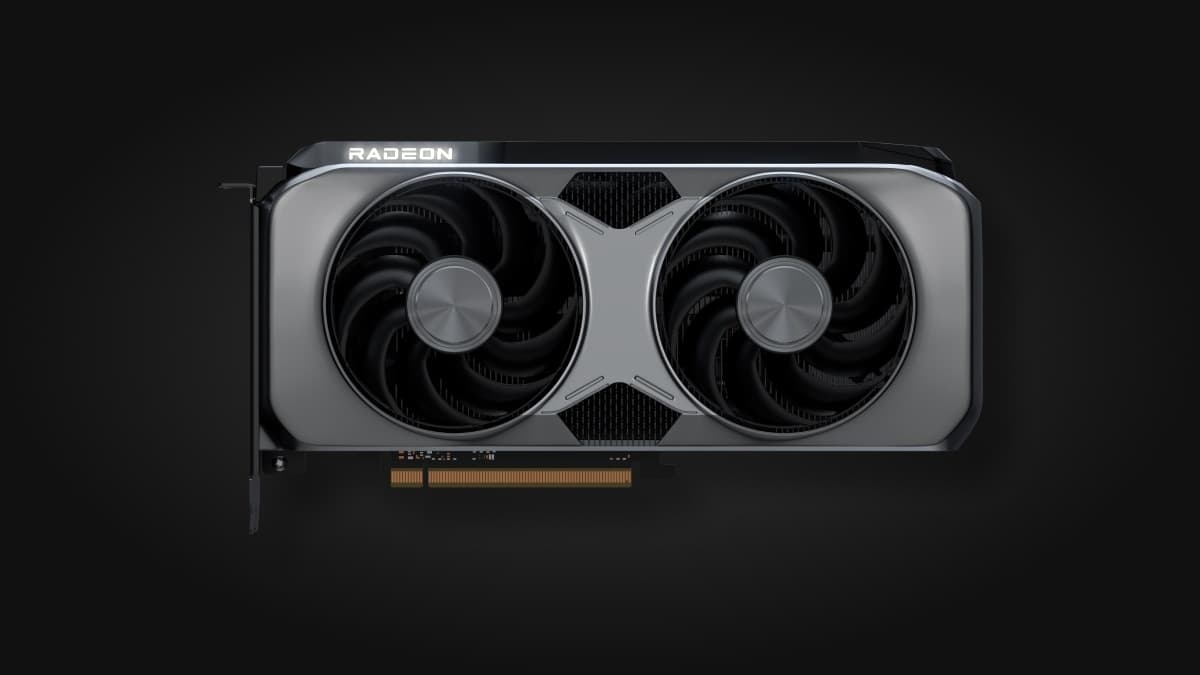
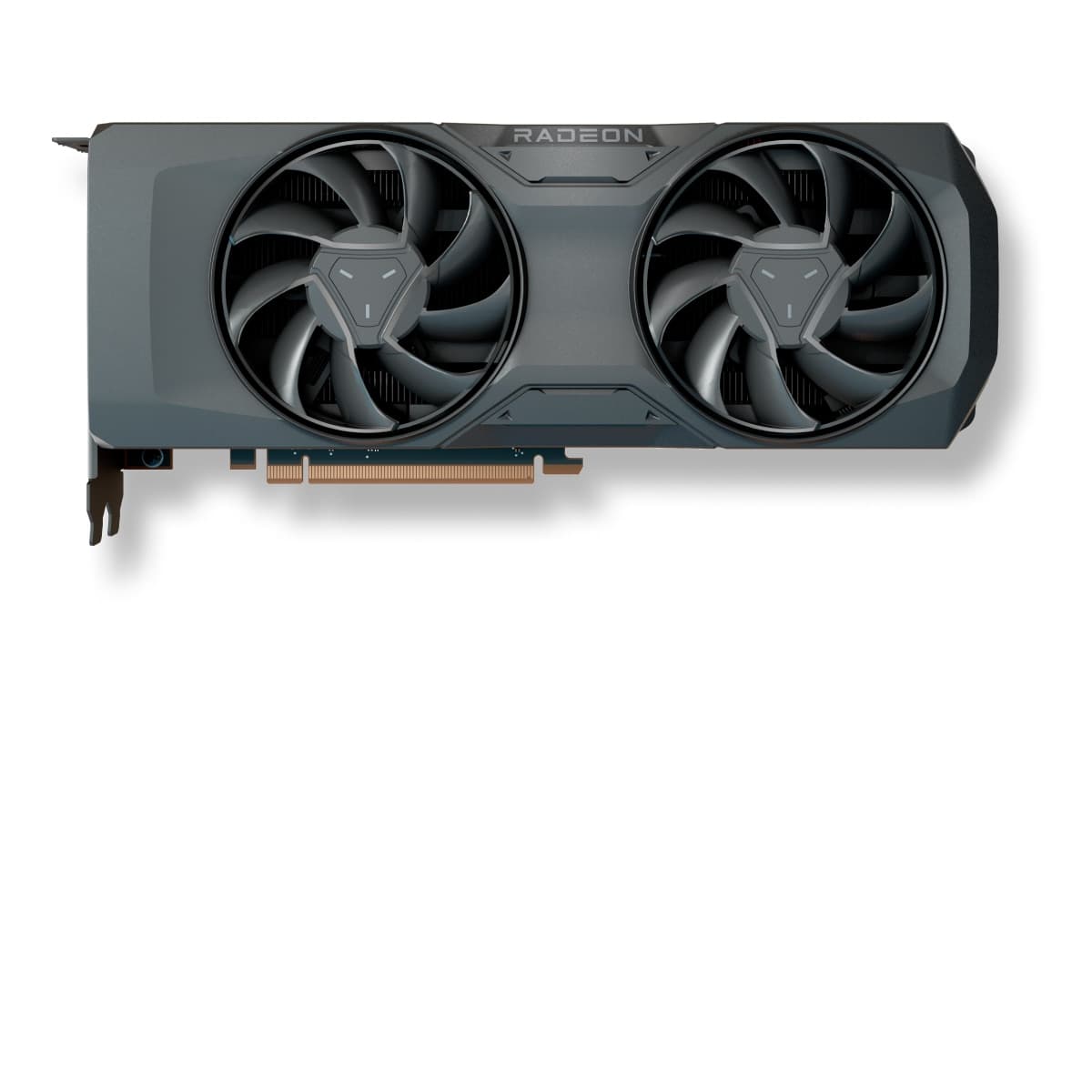

As an Amazon Associate, CheckFPS earns from qualifying purchases. Prices and availability may vary.
What GPU do you need for Dragon Ball: Sparking! Zero?
Dragon Ball: Sparking! Zero is a demanding game. To reach 60 FPS at 1080p on Ultra quality, you will need at least a RX 6600 XT or equivalent.
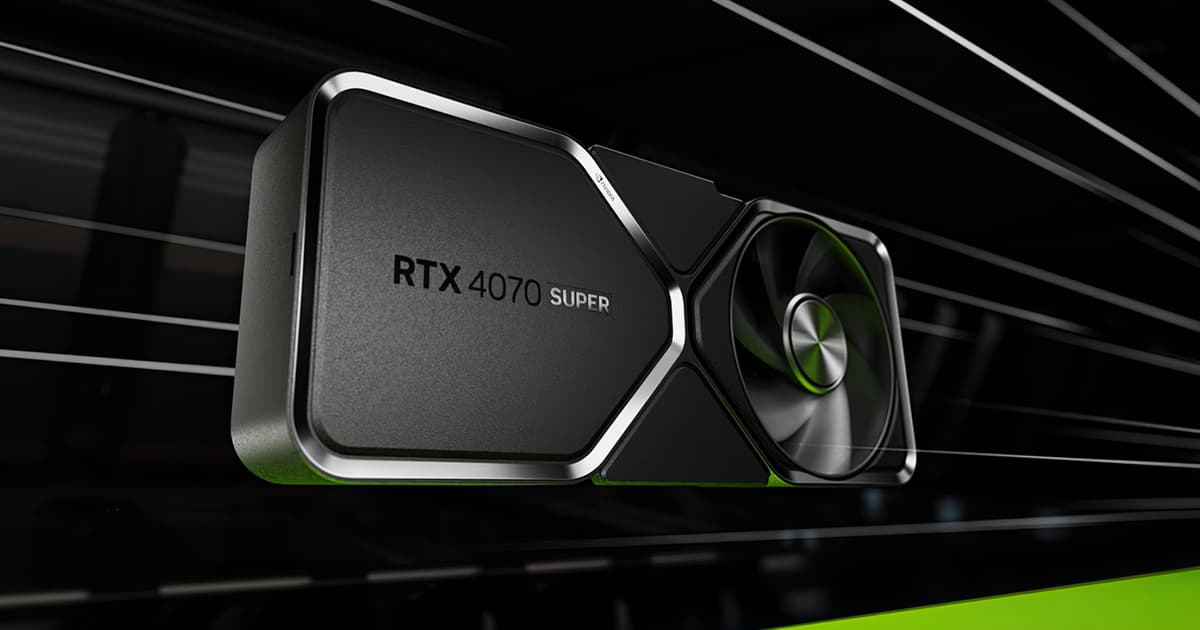
If you have a 144Hz monitor and want stable 144+ FPS, we recommend a RTX 5070 Ti or better.
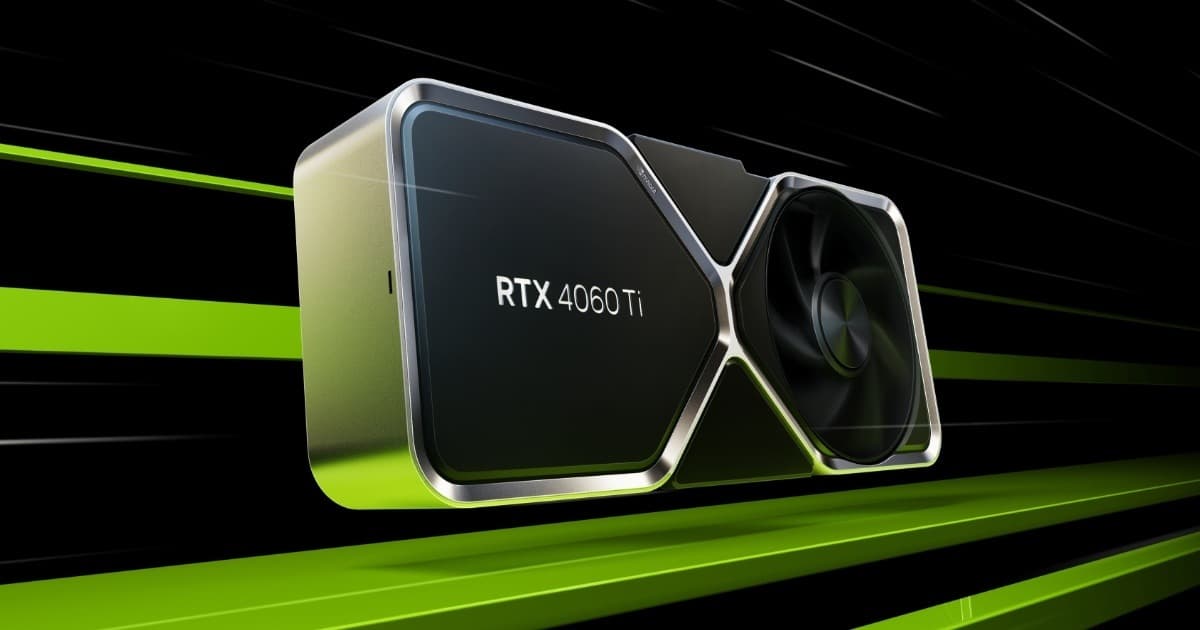
To play at 1440p smoothly (60+ FPS), a RTX 4060 Ti is enough. At 4K, you will need a RTX 4070 Ti or better for a smooth experience.
Want more FPS in Dragon Ball: Sparking! Zero?
Our guide collects the settings that give between +40% and +90% FPS in Dragon Ball: Sparking! Zero with barely any visual loss. Recommended settings, GPU-specific tips (NVIDIA/AMD/Intel) and solutions to common game issues.