NVIDIA TITAN X (Pascal) Benchmark: FPS and In-Game Performance
Reference CPU: Intel Core i5-13400
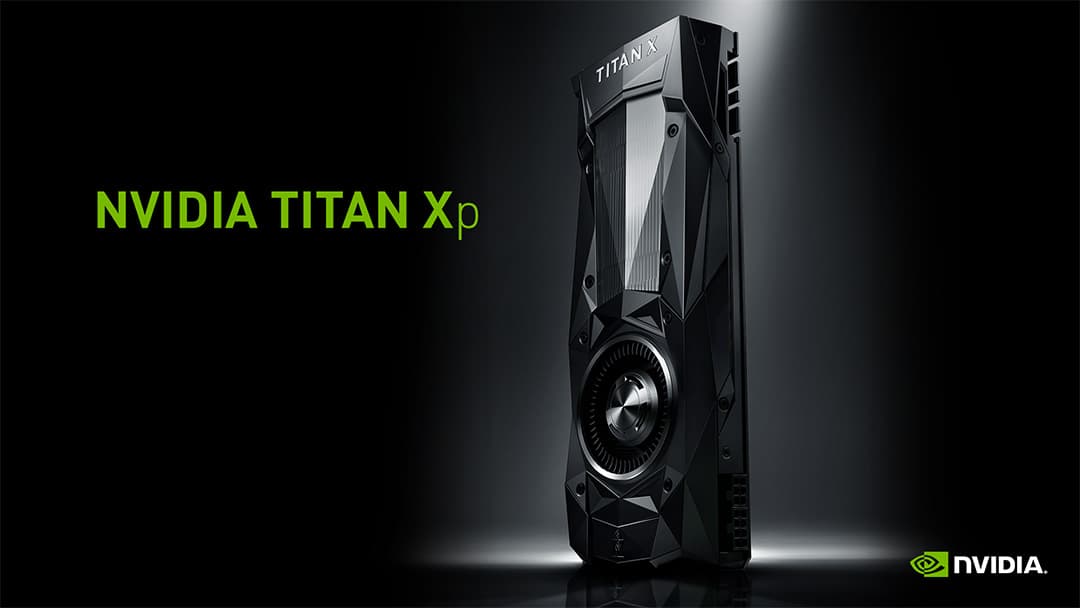
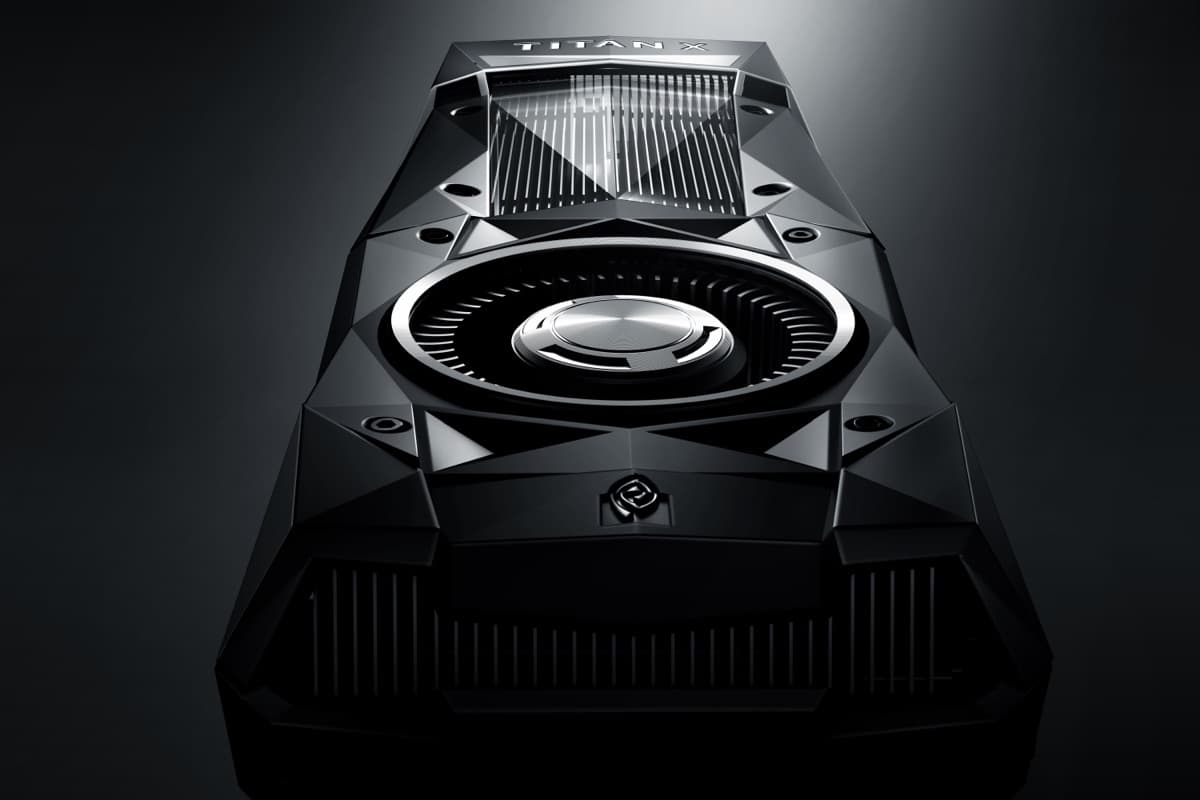
The NVIDIA TITAN X (Pascal) is the NVIDIA graphics card we cover on this page. Here you'll find its real gaming performance — average FPS (frames per second) across the 20 most popular games at 1080p, 1440p (2K) and 4K (UHD) — its uplift with AI upscaling (DLSS/FSR/XeSS), key specs such as its 12 GB of VRAM, and comparisons with similar GPUs. All figures are estimates from our engine on a reference CPU.
Performance Scores
NVIDIA TITAN X (Pascal) Full Specifications
Official manufacturer specifications for the NVIDIA TITAN X (Pascal).
| Brand | NVIDIA |
| VRAM | 12 GB |
| Power Draw (TDP) | 250W |
| Tier | Enthusiast |
| Release Year | 2016 |
| Architecture | Pascal |
| Process Node | TSMC 16nm |
| Shading Units (CUDA/Stream) | 3584 |
| Texture Units (TMUs) | 224 |
| ROPs | 96 |
| Base Clock | 1417 MHz |
| Boost Clock | 1531 MHz |
| FP32 Performance (Teraflops) | 10.97 TFLOPS |
| PassMark (G3D Mark) | 13,660 |
| Memory Type | GDDR5X |
| Memory Clock | 10000 MHz |
| Memory Bus | 384-bit |
| Memory Bandwidth | 480 GB/s |
| PCIe Version | PCIe 3.0 |
| Transistor Count | 12.0B |
| Release Date | 2016-08-02 |
Average gaming performance (2026)
The NVIDIA TITAN X (Pascal) averages 39 FPS at 1080p Ultra, 30 at 1440p and 15 at 4K across the 20 most popular games (estimated). Built for 1080p; in demanding games, lowering quality or enabling upscaling helps.
What FPS does the NVIDIA TITAN X (Pascal) get in your game?
Pick a game and we'll take you straight to its real FPS on this GPU.
FPS in Popular Games
| Game | 1080p | 1440p | 4K | Rating |
|---|---|---|---|---|
Warhammer 40,000: Dawn of War IV | 48 | 36 | 18 | Acceptable |
Star Wars Zero Company | 48 | 36 | 18 | Acceptable |
Grand Theft Auto IV: Complete Edition | 43 | 33 | 16 | Acceptable |
Kena: Scars of Kosmora | 43 | 33 | 16 | Acceptable |
Ace Combat 8: Wings of Theve | 43 | 33 | 16 | Acceptable |
Silent Hill: Townfall | 43 | 33 | 16 | Acceptable |
Halloween: The Game | 41 | 32 | 15 | Acceptable |
Clive Barker's Hellraiser: Revival | 41 | 32 | 15 | Acceptable |
The Sinking City 2 | 41 | 32 | 15 | Acceptable |
Guild Wars 3 | 40 | 30 | 15 | Acceptable |
Mortal Shell II | 38 | 29 | 14 | Acceptable |
Valor Mortis | 38 | 29 | 14 | Acceptable |
Final Fantasy Resonance | 37 | 28 | 14 | Acceptable |
Aion 2 | 37 | 28 | 14 | Acceptable |
Final Fantasy VII Revelation | 35 | 26 | 13 | Acceptable |
Lords of the Fallen II | 35 | 26 | 13 | Acceptable |
Alien: Isolation 2 | 34 | 26 | 12 | Acceptable |
| Grand Theft Auto VI | 33 | 25 | 12 | Acceptable |
Atomic Heart 2 | 32 | 24 | 12 | Acceptable |
Control Resonant | 32 | 24 | 12 | Acceptable |
Performance with AI upscaling
Estimated average FPS with FSR enabled, which renders at a lower resolution and reconstructs the image for more frames. Quality and Performance modes trade sharpness for FPS differently.
| Resolution | Native | FSR Quality | FSR Performance |
|---|---|---|---|
| 1080p | 39 | 49 | 57 |
| 1440p | 30 | 41 | 50 |
| 4K | 15 | 22 | 28 |
Estimated values. The real gain varies by game and by how the technology is implemented.
Best CPU for the NVIDIA TITAN X (Pascal) & bottleneck
The CPU you pair with the NVIDIA TITAN X (Pascal) matters mostly at 1080p; at 1440p and 4K the graphics card itself sets the pace (you are GPU-bound) and the processor is almost irrelevant.
A AMD Ryzen 5 5600 already gets the most out of the NVIDIA TITAN X (Pascal) with no bottleneck. Moving to a pricier processor barely adds frames.
NVIDIA TITAN X (Pascal) FPS with different CPUs
| Processor (CPU) | 1080p | 1440p | 4K |
|---|---|---|---|
| AMD Ryzen 5 5600Sweet spot | 39 | 30 | 15 |
| Intel Core i5-12400 | 39 | 30 | 15 |
| AMD Ryzen 7 7800X3D | 39 | 30 | 15 |
| Intel Core i9-14900K | 39 | 30 | 15 |
Will your CPU bottleneck the NVIDIA TITAN X (Pascal)?
At 1440p and 4K there is no bottleneck: the NVIDIA TITAN X (Pascal) is the limiting component, so any decent modern CPU performs the same. At 1080p a weak processor can hold back a few frames in CPU-heavy games (strategy, simulation or AI-heavy open worlds). As a rule of thumb, a fairly recent 6-core CPU avoids bottlenecking this card.
Frequently asked questions
Is the NVIDIA TITAN X (Pascal) good for 1080p, 1440p and 4K?
At 1080p Ultra it averages around 39 FPS; at 1440p (2K) it drops to 30 FPS and at 4K (UHD) to 15 FPS across the most popular games. At higher resolutions, enabling upscaling (DLSS/FSR) helps restore smoothness.
How many FPS (frames per second) are enough?
30 FPS is the playable minimum, 60 FPS the comfortable standard, and 120-144+ FPS ideal for high-refresh monitors or competitive play. In the tables the colour shows the level: green 120+, blue 60+, amber 30+ and red below.
Ultra vs High quality: is it worth it?
Dropping from Ultra to High is barely noticeable yet usually raises FPS by 15-25%. If you want more performance from the NVIDIA TITAN X (Pascal), High quality is almost always the best balance of sharpness and smoothness.
Will the CPU bottleneck the NVIDIA TITAN X (Pascal)?
It depends on the processor and resolution. At 1080p the CPU matters more and an older CPU can bottleneck; at 1440p and 4K the graphics card leads. These figures use a balanced reference CPU.
How much VRAM does the NVIDIA TITAN X (Pascal) have, and is it enough?
The NVIDIA TITAN X (Pascal) has 12 GB of VRAM (video memory). As a guide, 8 GB is the practical minimum for 1080p, 12 GB is recommended for 1440p, and 16 GB or more for 4K and the games of the coming years.
What does the NVIDIA TITAN X (Pascal) score in PassMark, 3DMark, or TFLOPS?
In the spec table above we show its PassMark (G3D Mark) score and TFLOPS as a reference for raw power. But what we really measure at CheckFPS is real in-game FPS across popular titles —what you'll actually notice while playing— not a synthetic score: a high 3DMark number doesn't always mean more frames in your game. That's why the gaming performance you see comes from our own FPS engine.