

Overwatch 2 system requirements
Official minimum and recommended requirements published by the developer.
Minimum
Recommended
 Game keys on sale
Upcoming games, cheaper with an official key.

Assassin's Creed Black Flag Resynced
View on Eneba →

Halo: Campaign Evolved
View on Eneba →

Beast of Reincarnation
View on Eneba →

The Sinking City 2
View on Eneba →

Resonance: A Plague Tale Legacy
View on Eneba →

Star Wars Zero Company
View on Eneba →

The Blood of Dawnwalker
View on Eneba →

Halloween: The Game
View on Eneba →

Warhammer 40,000: Dawn of War IV
View on Eneba →

Silent Hill: Townfall
View on Eneba →

Control Resonant
View on Eneba →

Ace Combat 8: Wings of Theve
View on Eneba →

Gears of War: E-Day
View on Eneba →
Affiliate link
What FPS does your GPU get in Overwatch 2?
Search your graphics card and we'll take you straight to its real FPS.
Calculate Overwatch 2 FPS with your exact hardware
These FPS assume a reference CPU and 16 GB of RAM. Add your graphics card, processor and RAM to tailor the estimate to your PC.
- Estimate tailored to your rig
- Customize resolution, quality, and RAM
Overwatch 2 Benchmark — Estimated FPS by Graphics Card
We calculated the estimated FPS for Overwatch 2 on the most popular GPUs on the market, benchmarked at 1080p, 1440p, and 4K. Results show Ultra quality performance with a reference CPU and 16GB of RAM.
Top 6 GPUs for Overwatch 2
Sorted from best to worst performance at 1080p.
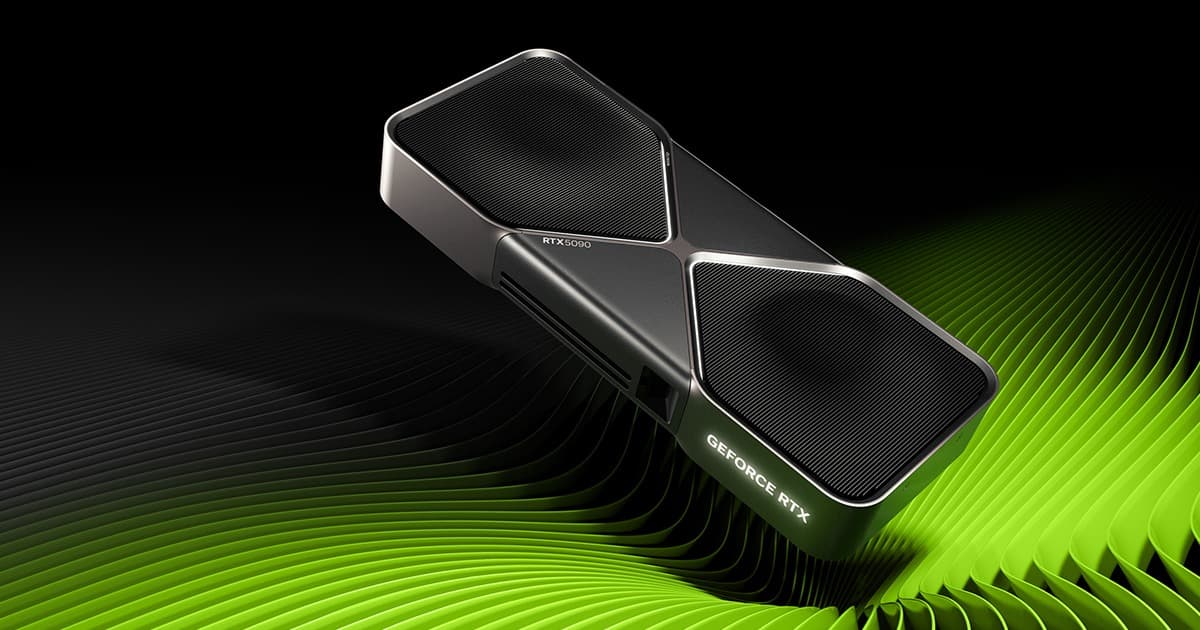
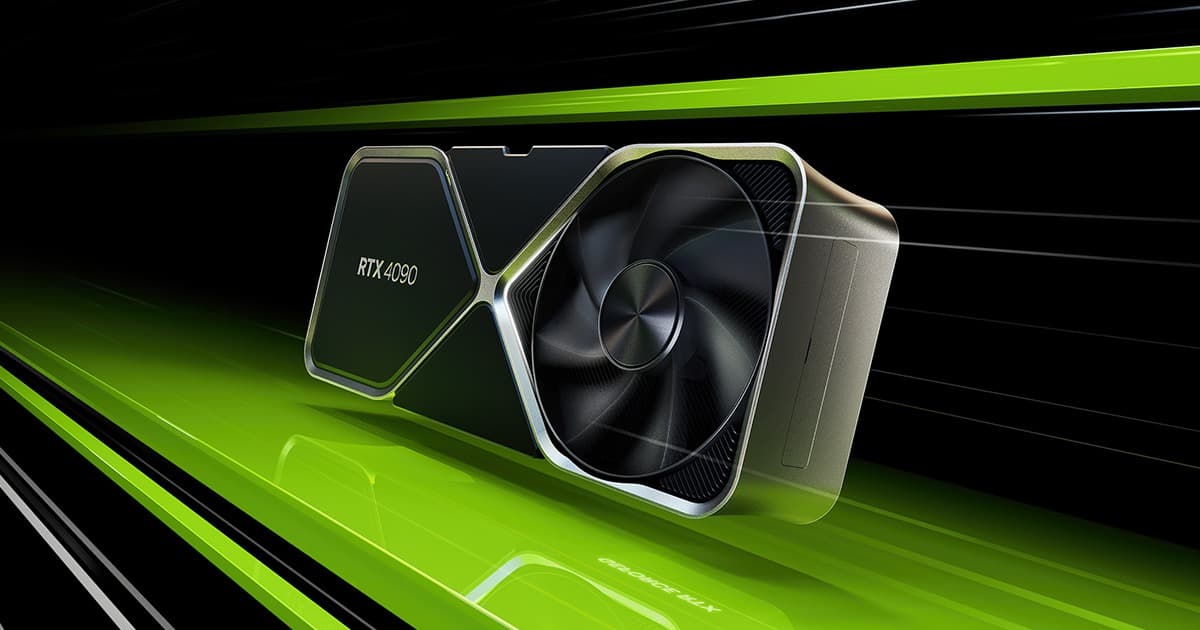
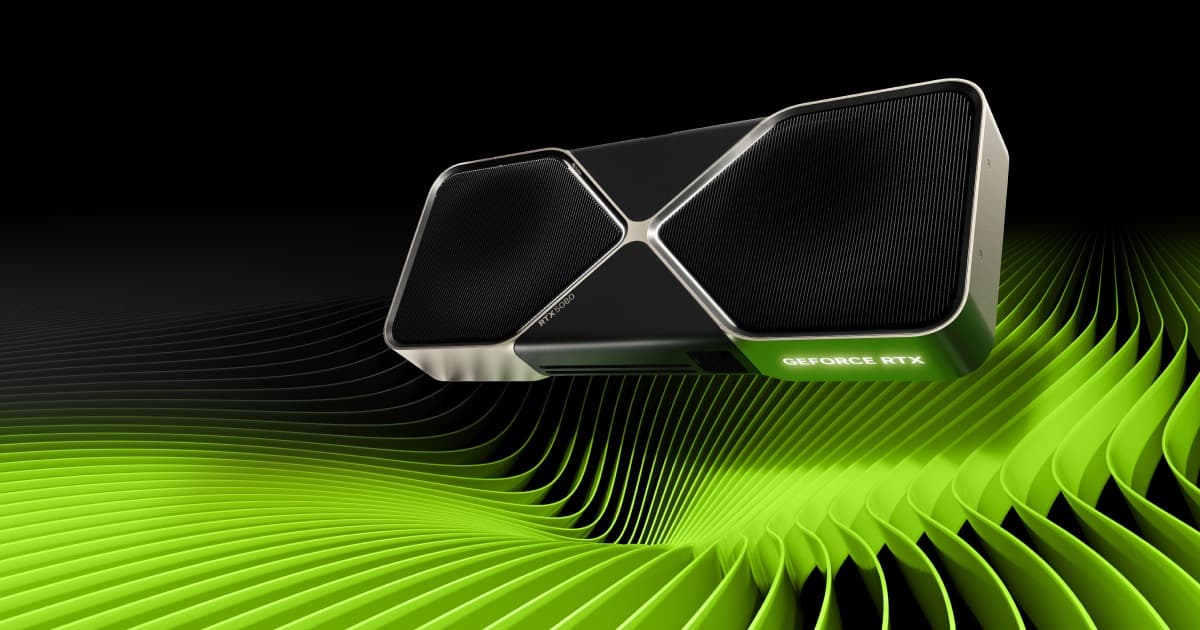
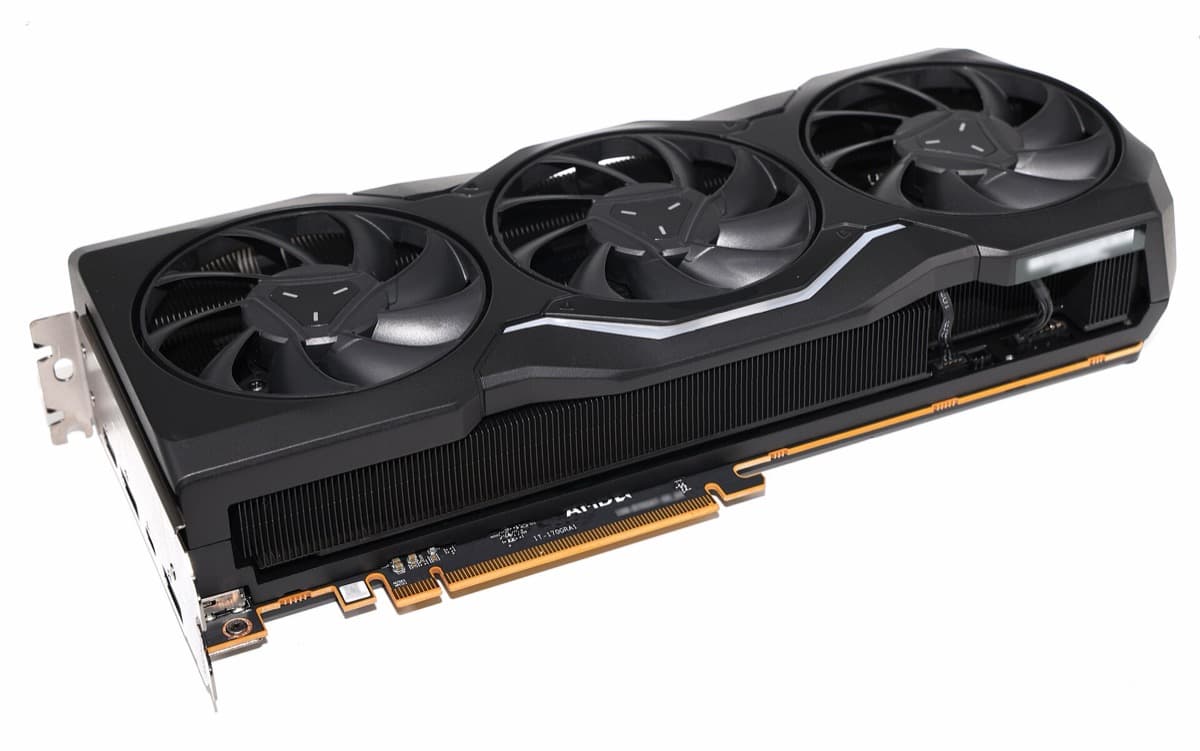
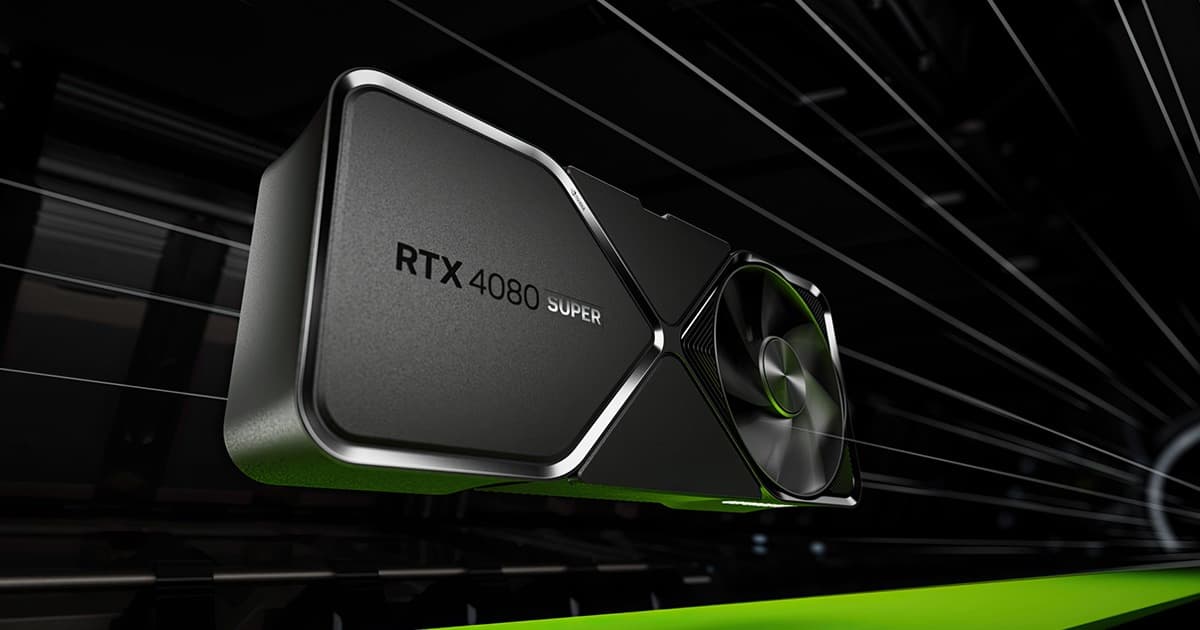
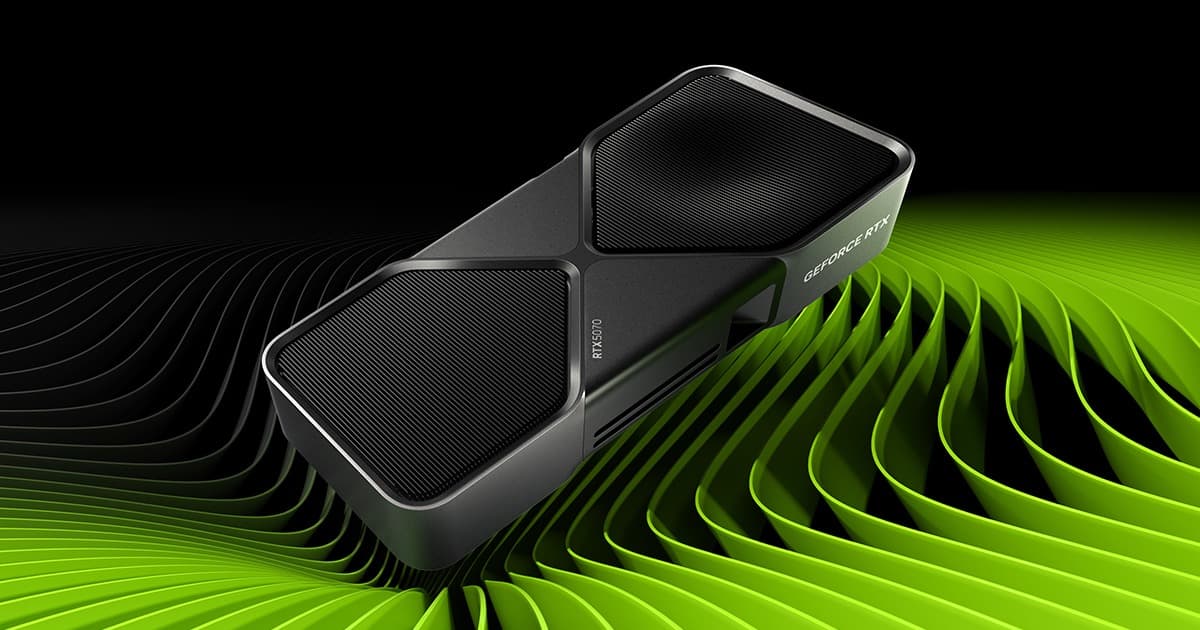
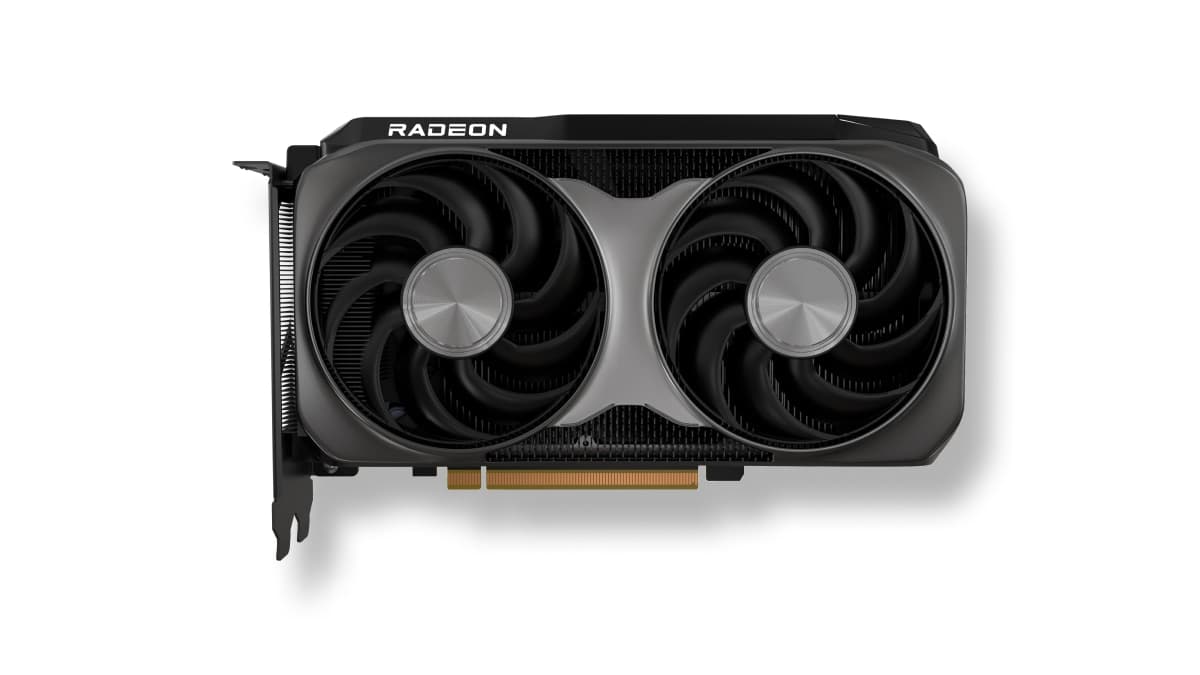
RX 9060 XT 16GB
251 FPS at 1080p for $1.39 · ≈€1.28/FPS — the most performance per dollar or euro spent.
More graphics cards and their FPS in Overwatch 2
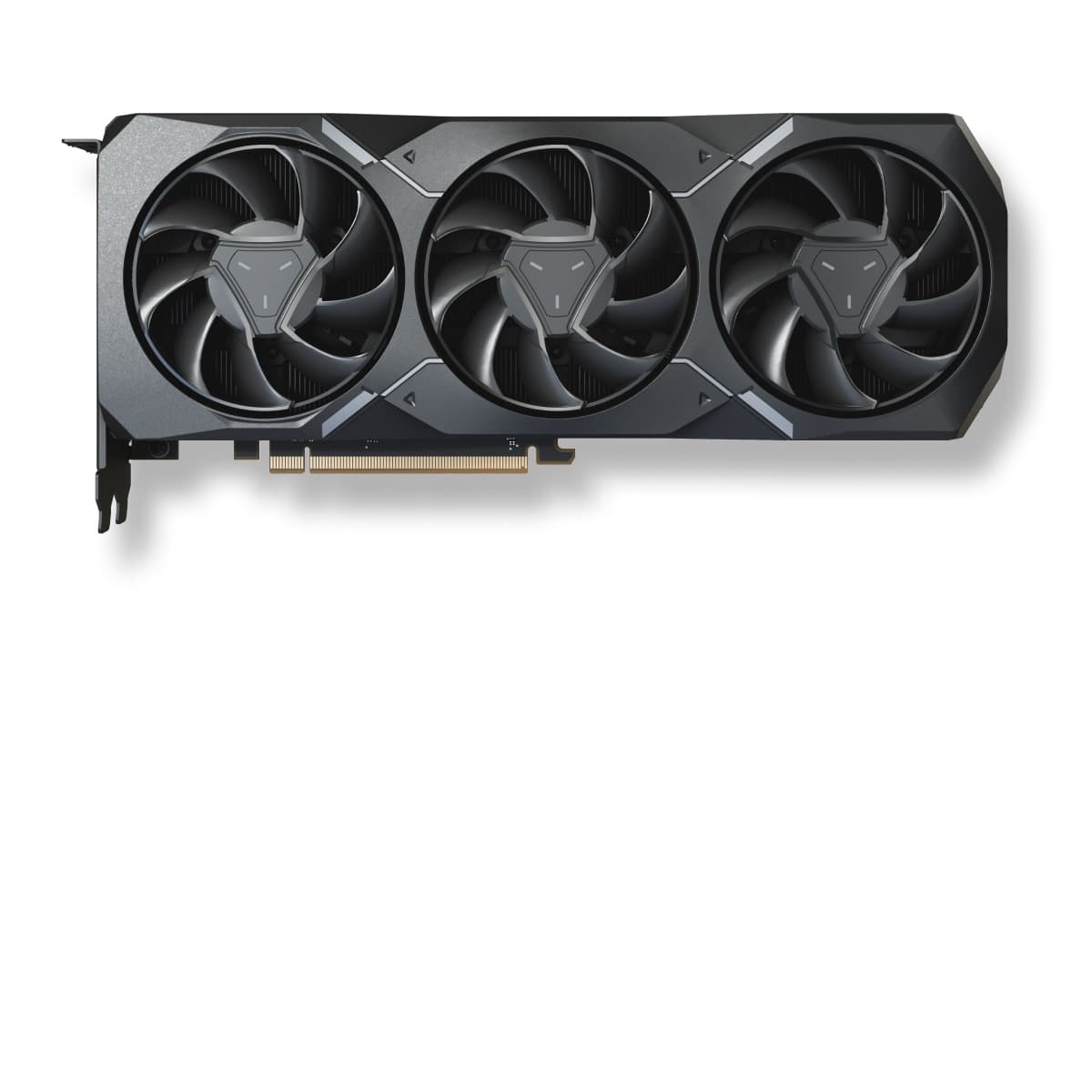
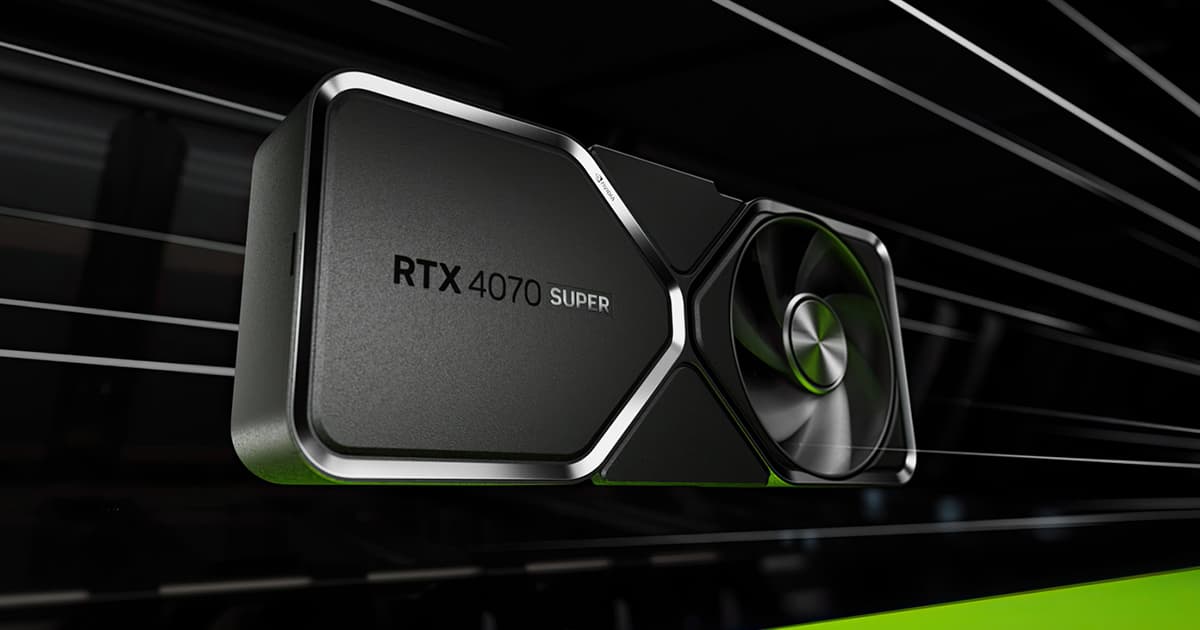
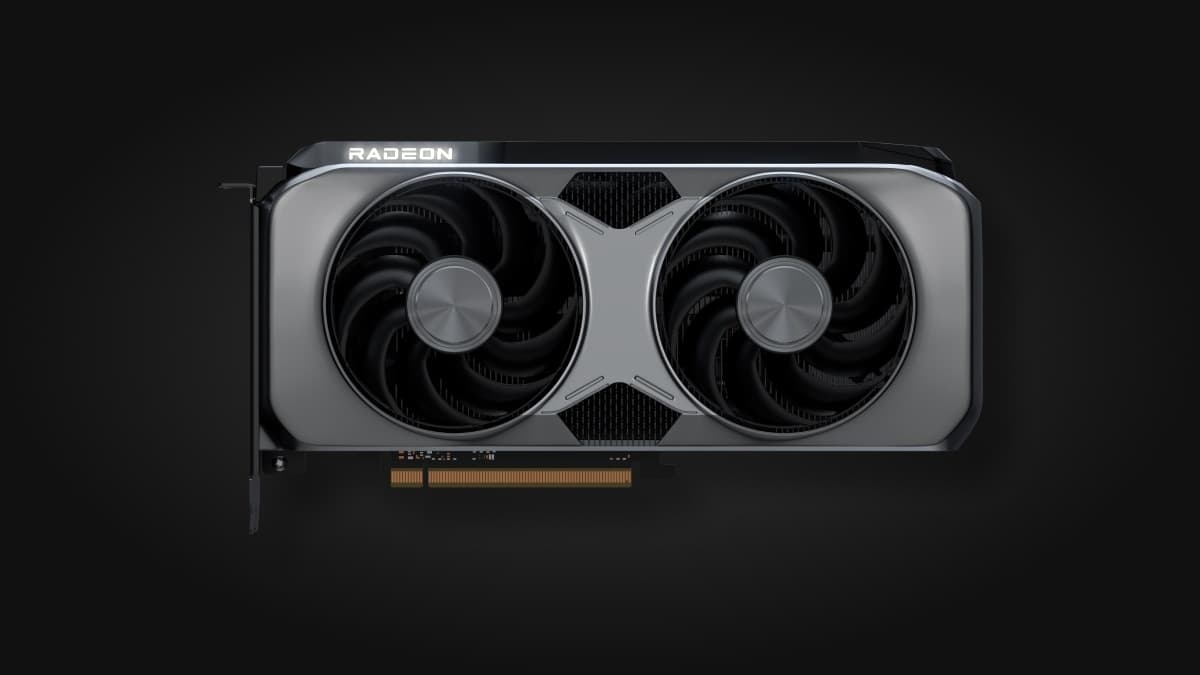
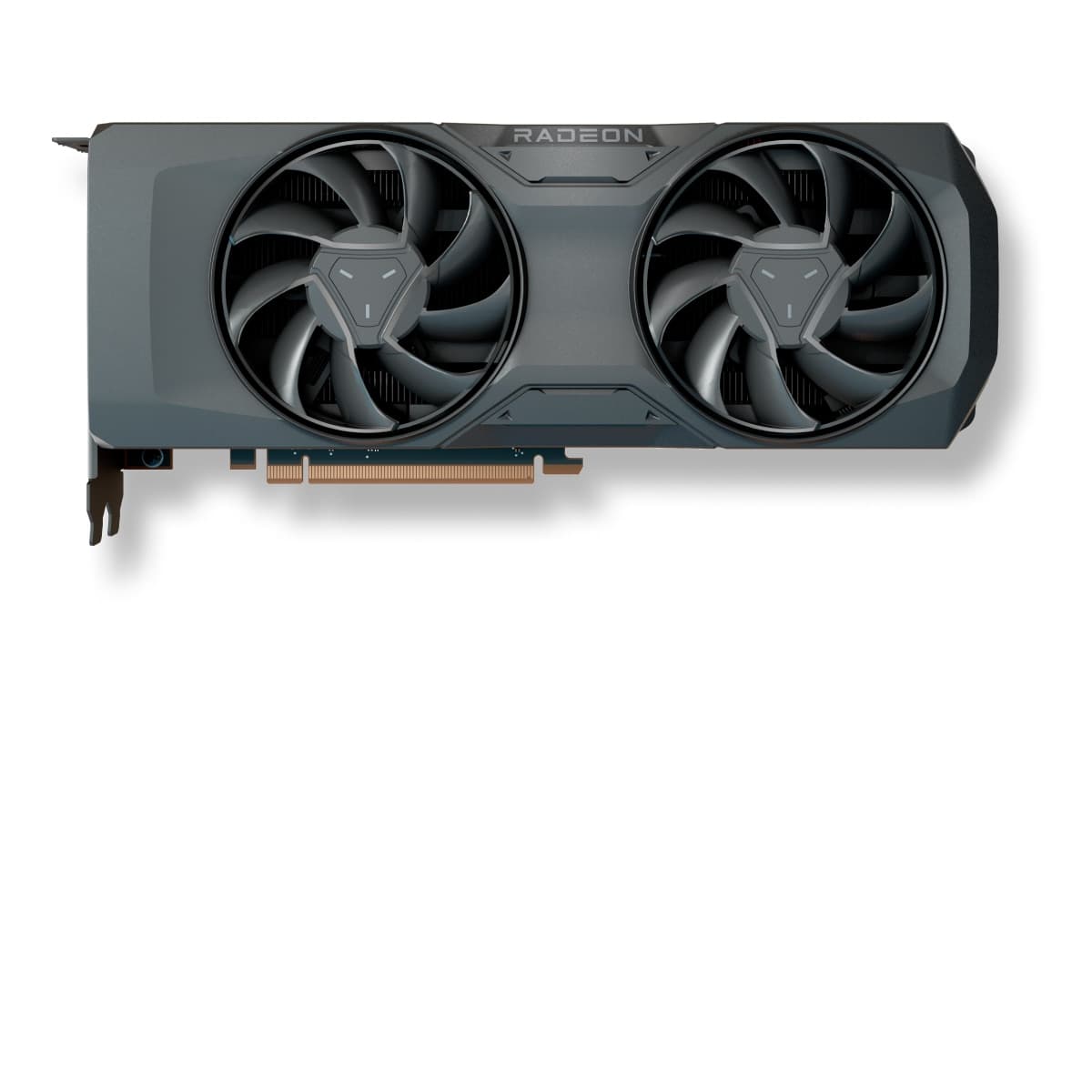
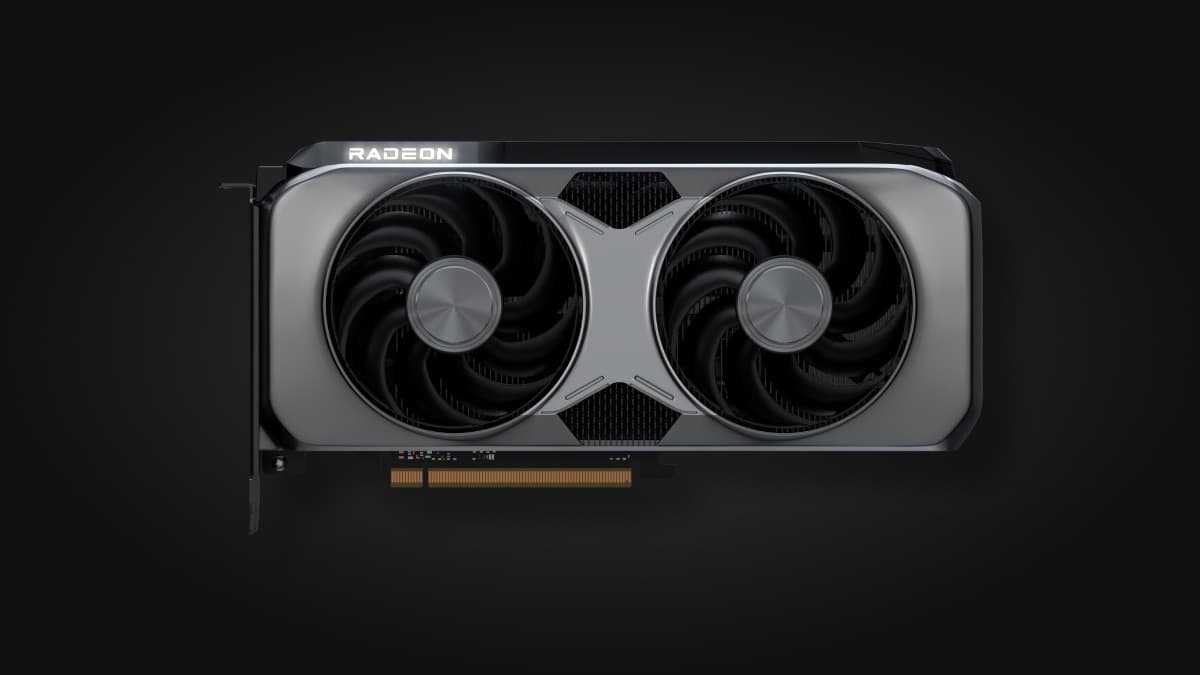
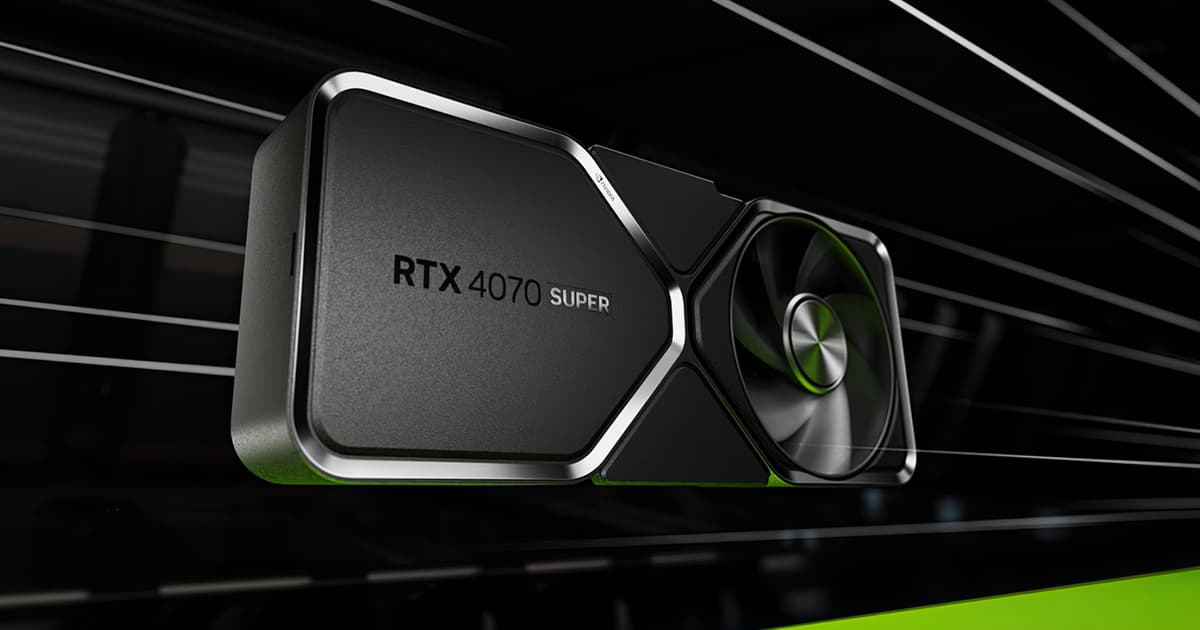
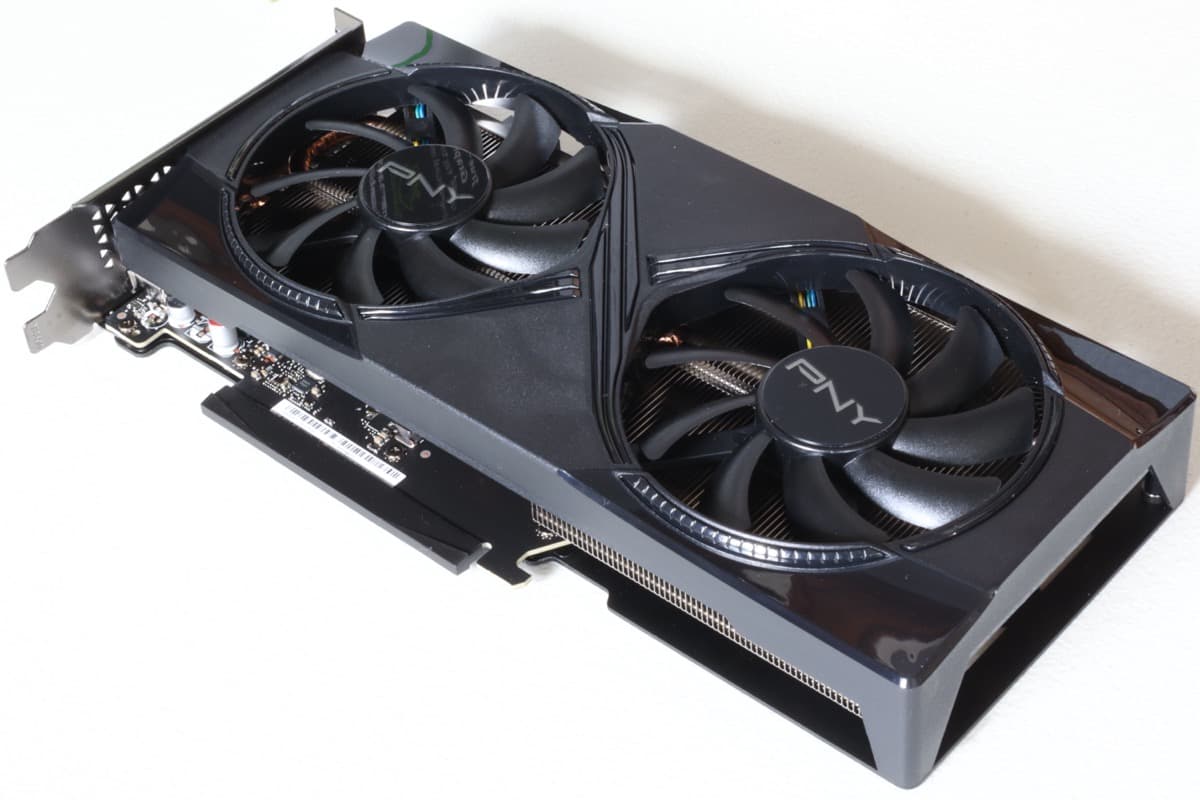
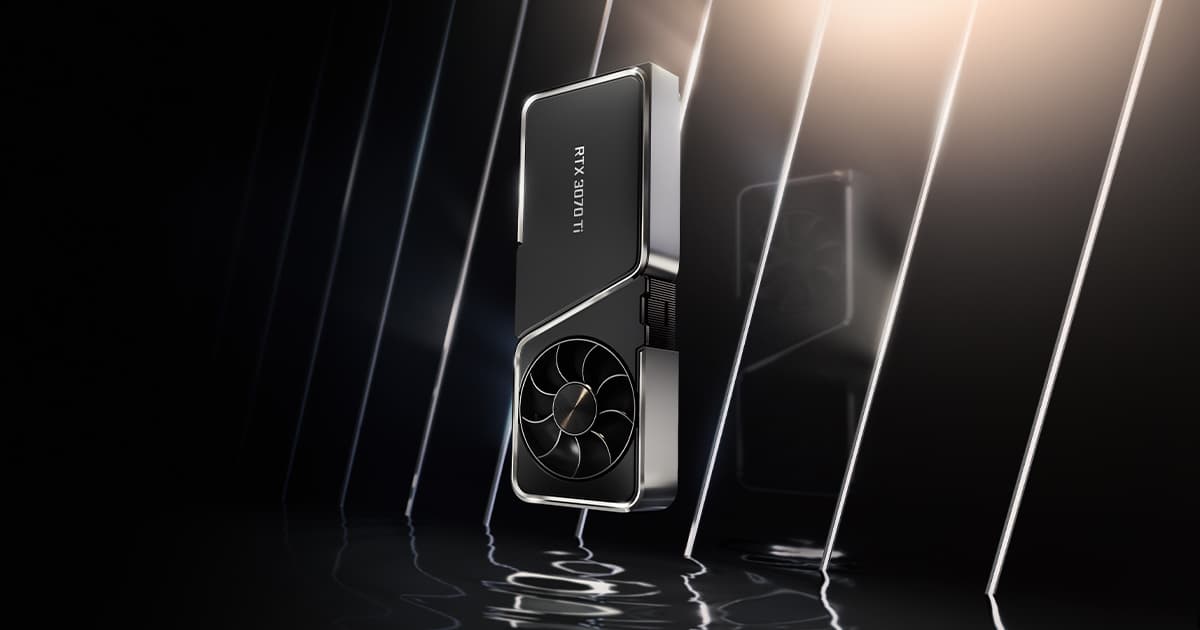
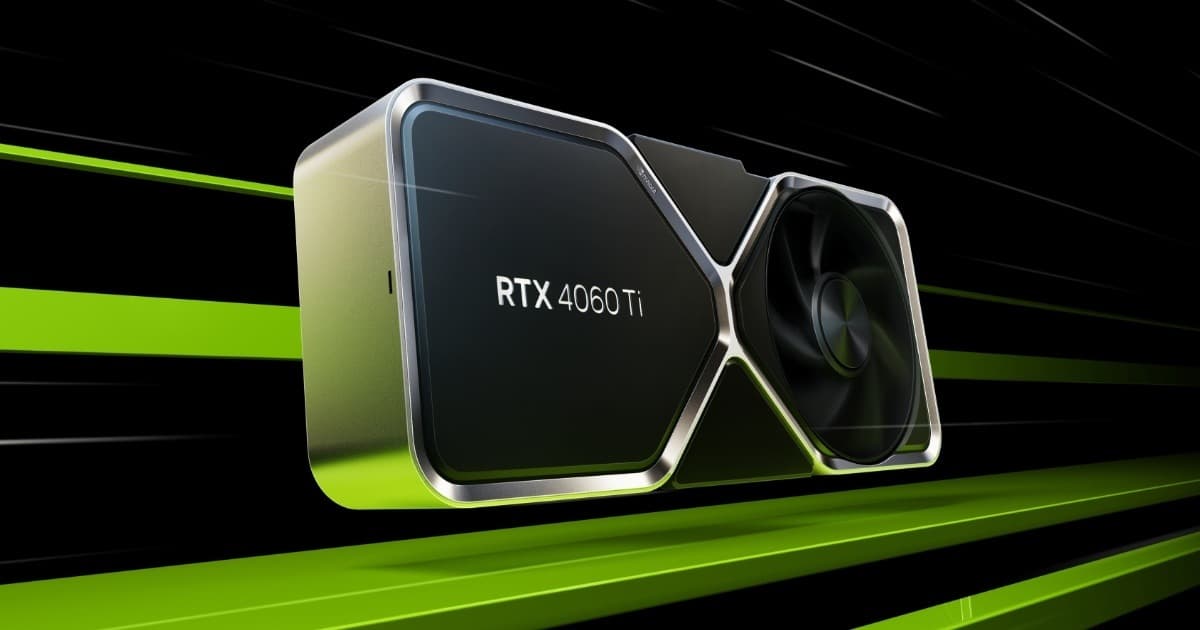
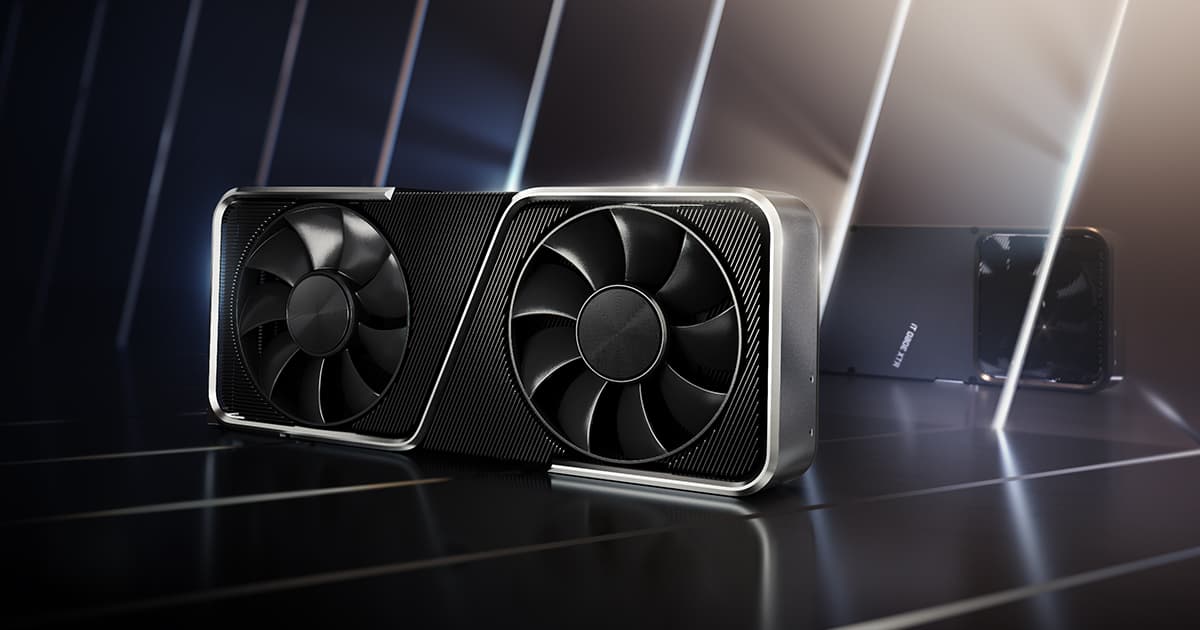

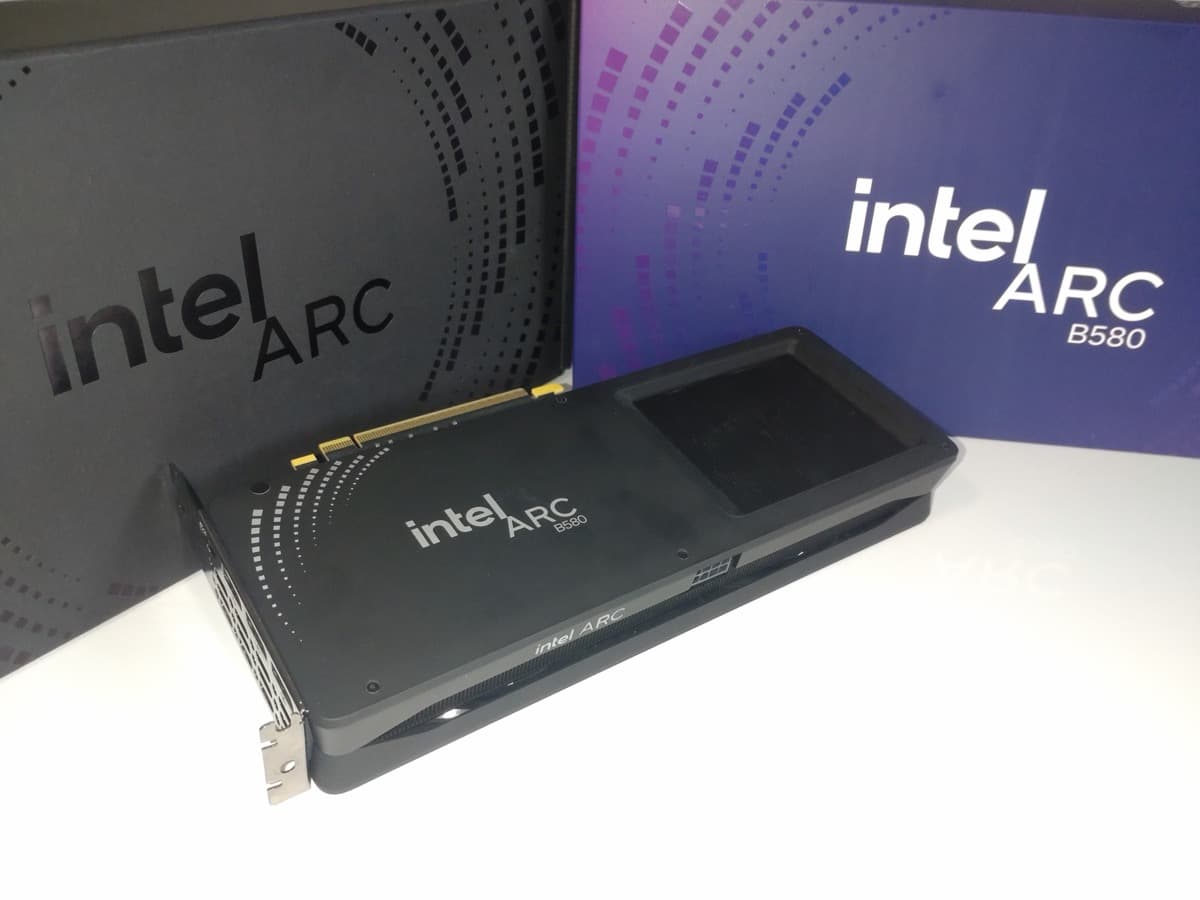
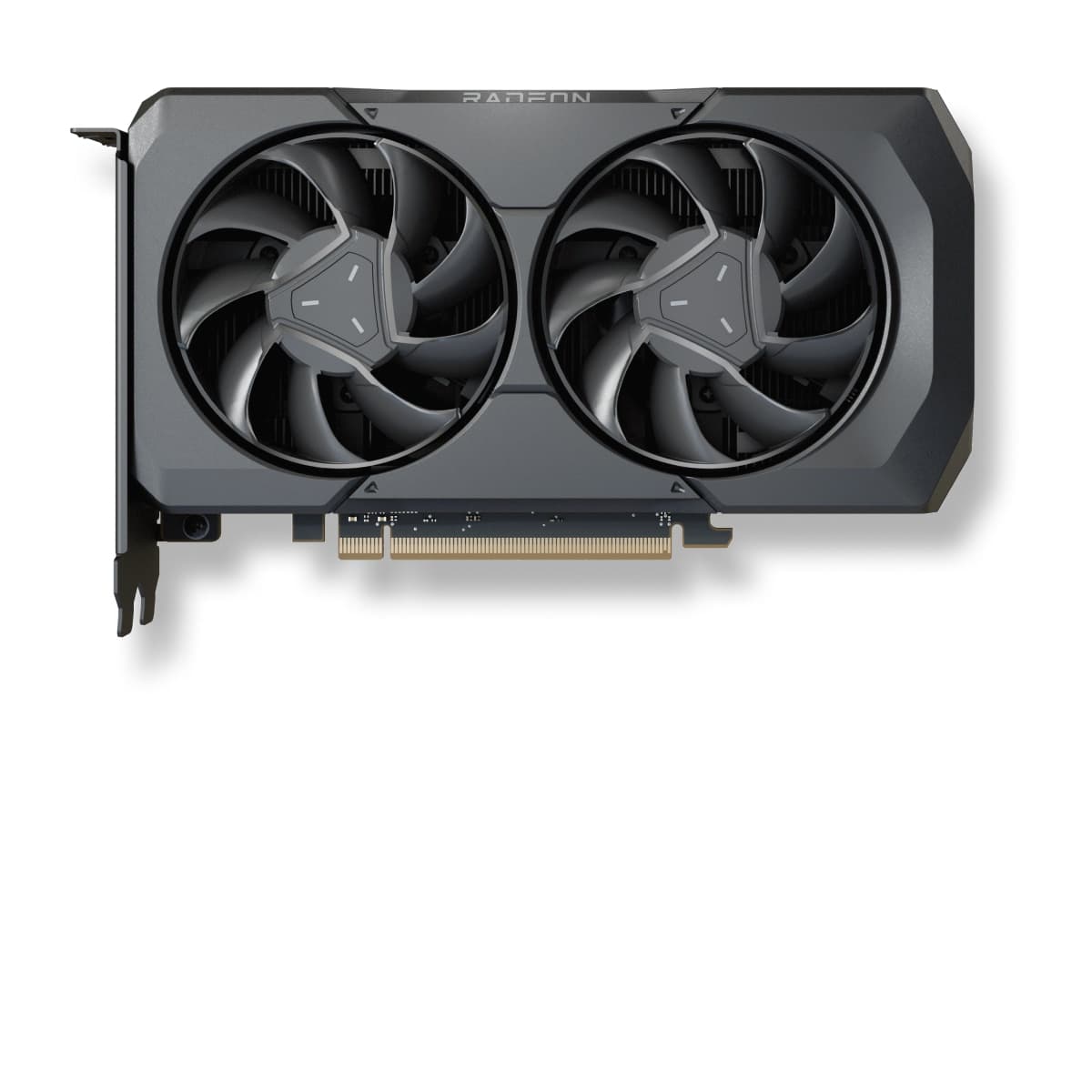
As an Amazon Associate, CheckFPS earns from qualifying purchases. Prices and availability may vary.
What GPU do you need for Overwatch 2?
Most modern GPUs handle Overwatch 2 without issues. Even a RTX 3050 reaches over 60 FPS.
If you have a 144Hz monitor and want stable 144+ FPS, we recommend a Arc B580 or better.
To play at 1440p smoothly (60+ FPS), a RX 6600 XT is enough. At 4K, you will need a RTX 4060 Ti or better for a smooth experience.
Want more FPS in Overwatch 2?
Our guide collects the settings that give between +40% and +90% FPS in Overwatch 2 with barely any visual loss. Recommended settings, GPU-specific tips (NVIDIA/AMD/Intel) and solutions to common game issues.


