

 Affiliate link
Don't have Microsoft Flight Simulator yet?
Get it cheaper with an official key on Eneba.
Microsoft Flight Simulator system requirements
Official minimum and recommended requirements published by the developer.
Minimum
Recommended
Game keys on saleUpcoming games, cheaper with an official key.

Assassin's Creed Black Flag Resynced
View on Eneba →

Halo: Campaign Evolved
View on Eneba →

Beast of Reincarnation
View on Eneba →

The Sinking City 2
View on Eneba →

Resonance: A Plague Tale Legacy
View on Eneba →

Star Wars Zero Company
View on Eneba →

The Blood of Dawnwalker
View on Eneba →

Halloween: The Game
View on Eneba →

Warhammer 40,000: Dawn of War IV
View on Eneba →

Silent Hill: Townfall
View on Eneba →

Control Resonant
View on Eneba →

Ace Combat 8: Wings of Theve
View on Eneba →

Gears of War: E-Day
View on Eneba →
Affiliate link
What FPS does your GPU get in Microsoft Flight Simulator?
Search your graphics card and we'll take you straight to its real FPS.
Calculate Microsoft Flight Simulator FPS with your exact hardware
These FPS assume a reference CPU and 16 GB of RAM. Add your graphics card, processor and RAM to tailor the estimate to your PC.
- Estimate tailored to your rig
- Customize resolution, quality, and RAM
Microsoft Flight Simulator Benchmark — Estimated FPS by Graphics Card
We calculated the estimated FPS for Microsoft Flight Simulator on the most popular GPUs on the market, benchmarked at 1080p, 1440p, and 4K. Results show Ultra quality performance with a reference CPU and 16GB of RAM.
Top 6 GPUs for Microsoft Flight Simulator
Sorted from best to worst performance at 1080p.
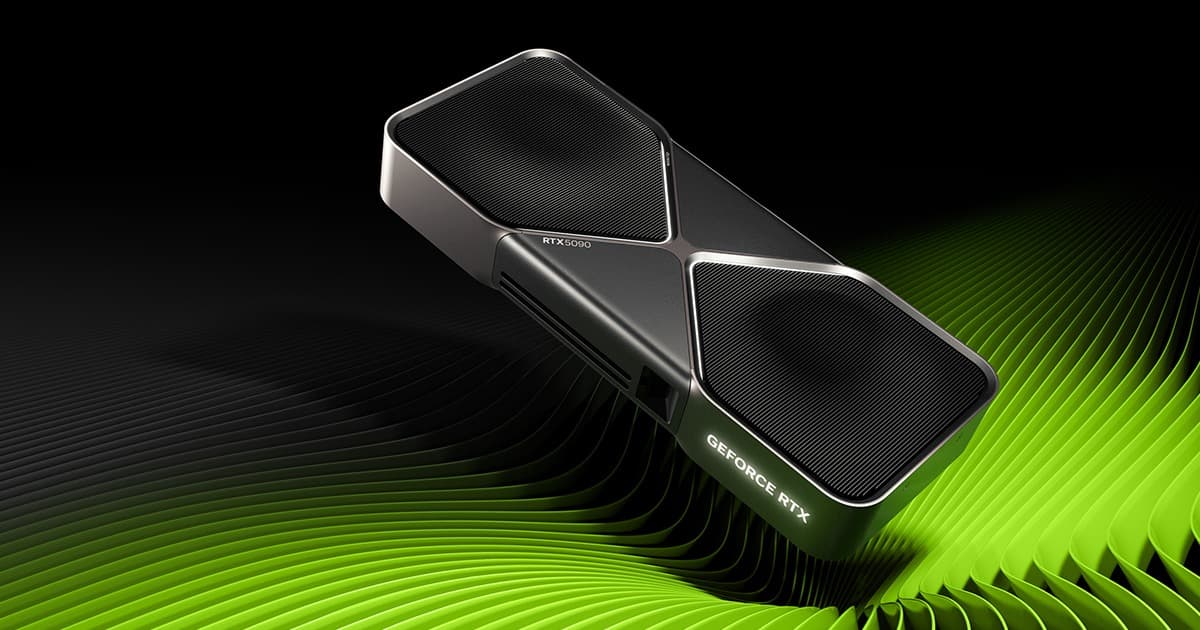
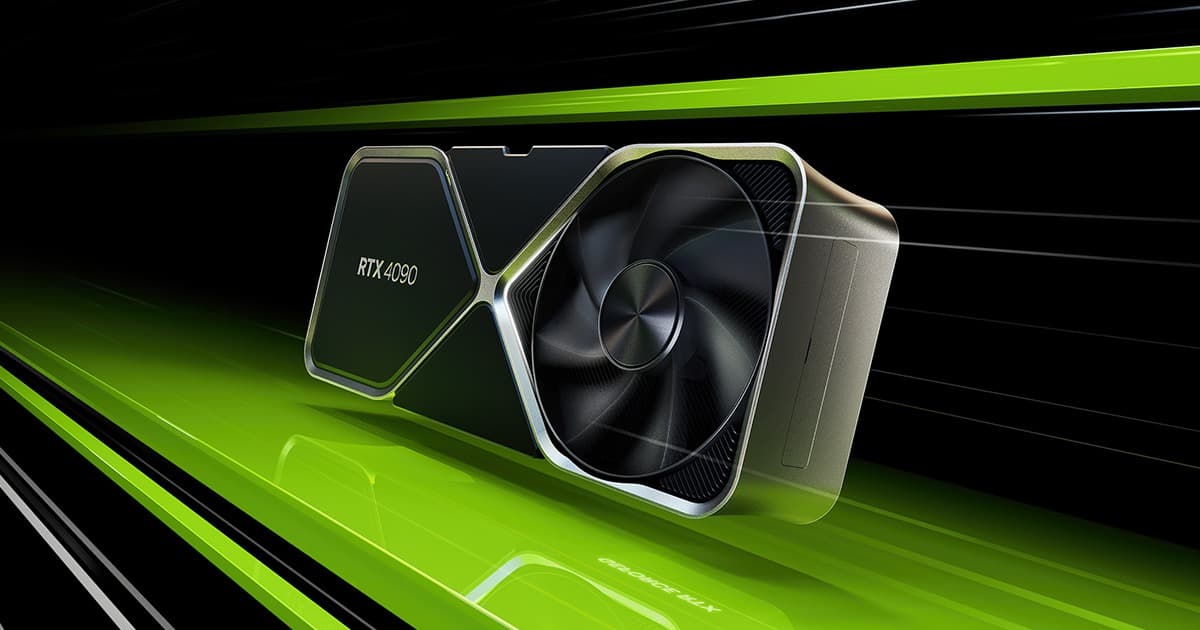
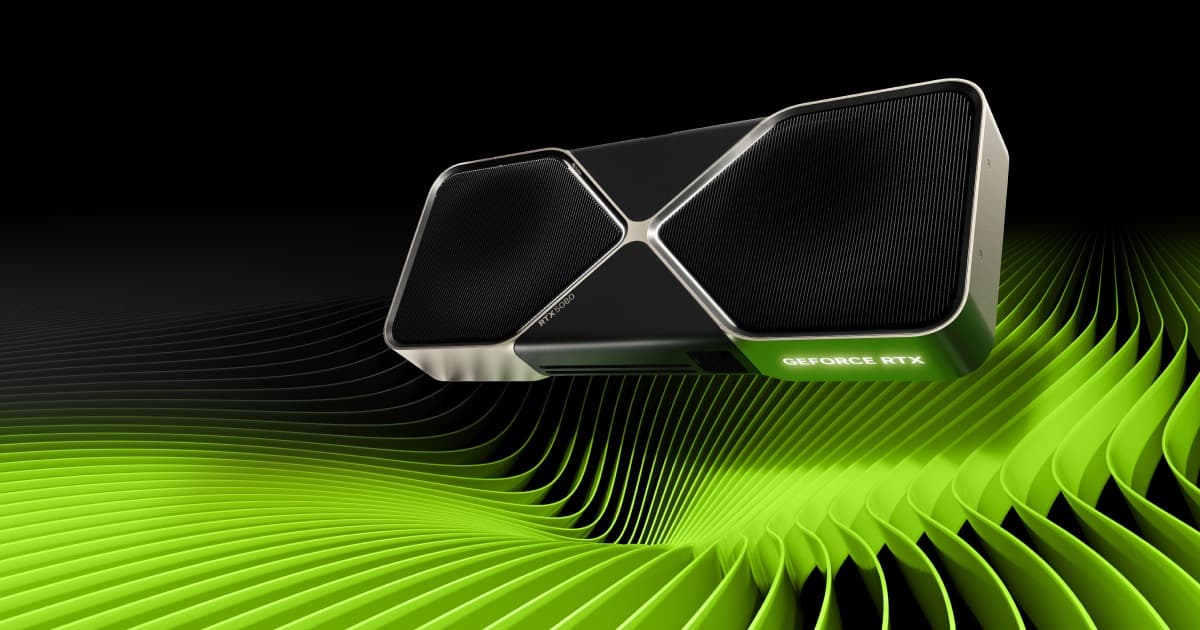
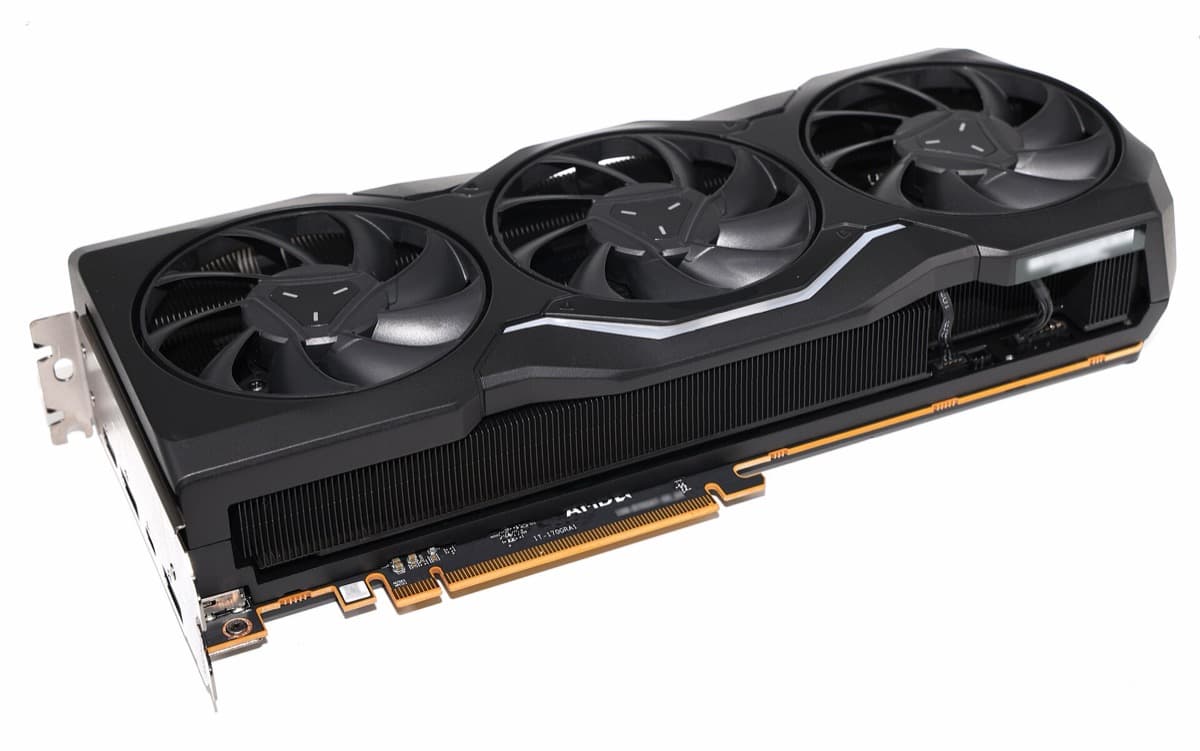
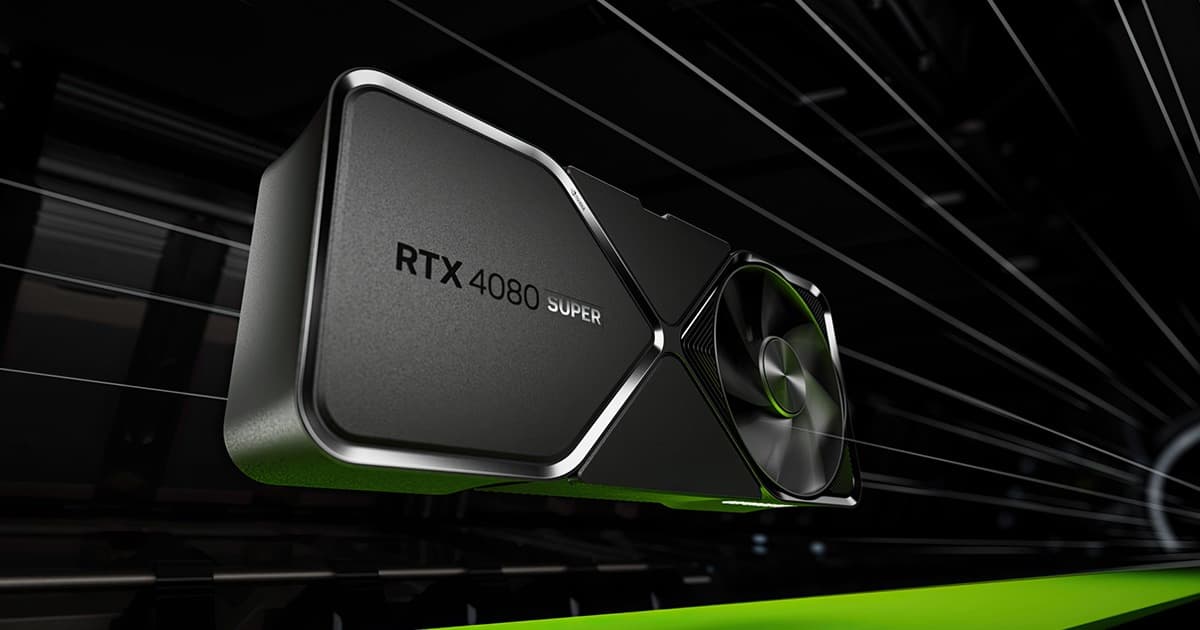
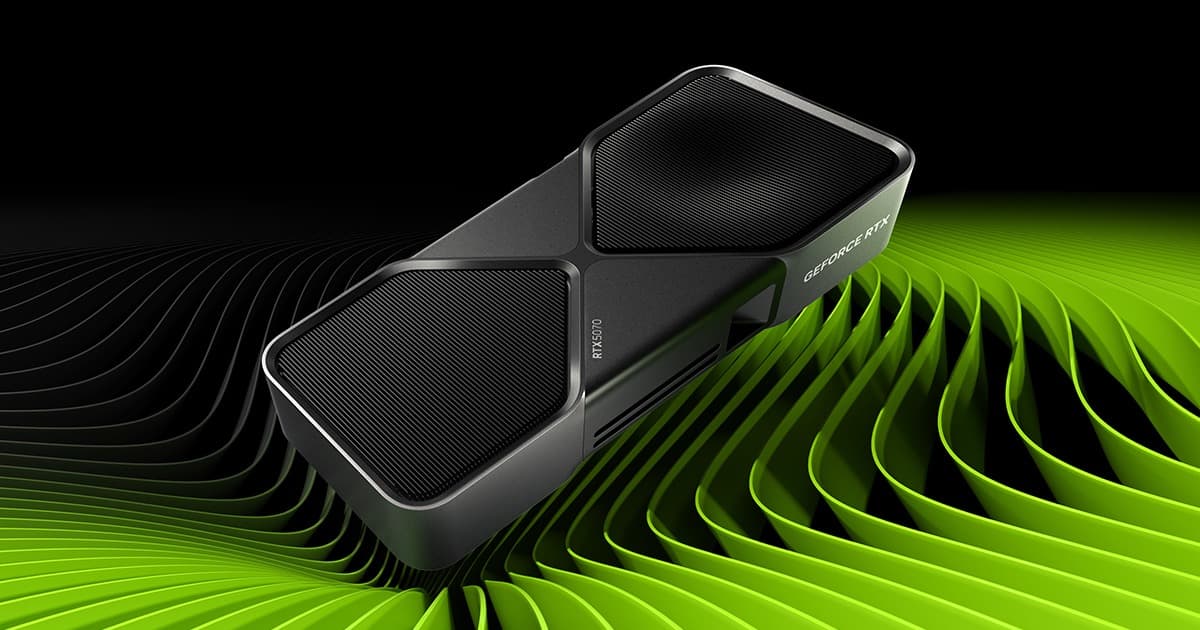
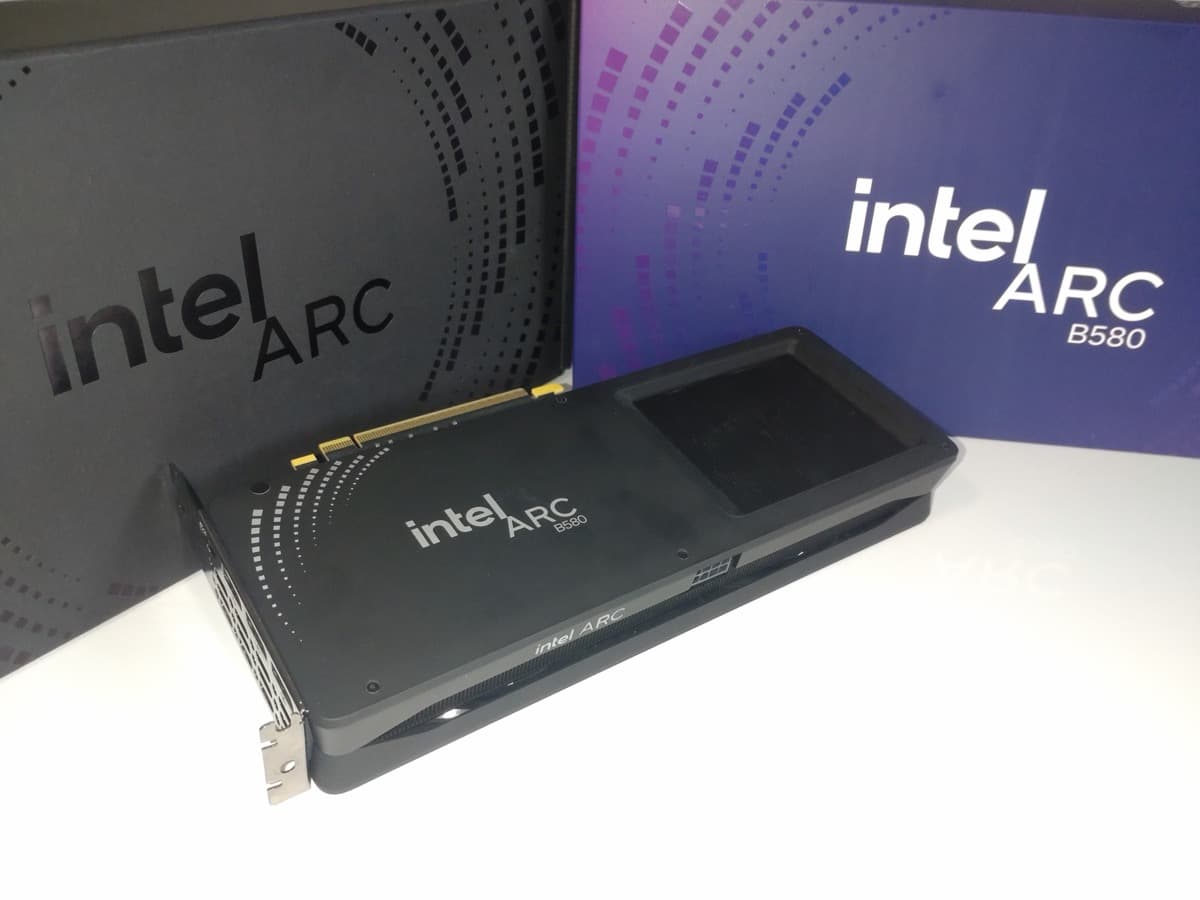
Arc B580
53 FPS at 1080p for $4.70 · ≈€4.32/FPS — the most performance per dollar or euro spent.
More graphics cards and their FPS in Microsoft Flight Simulator
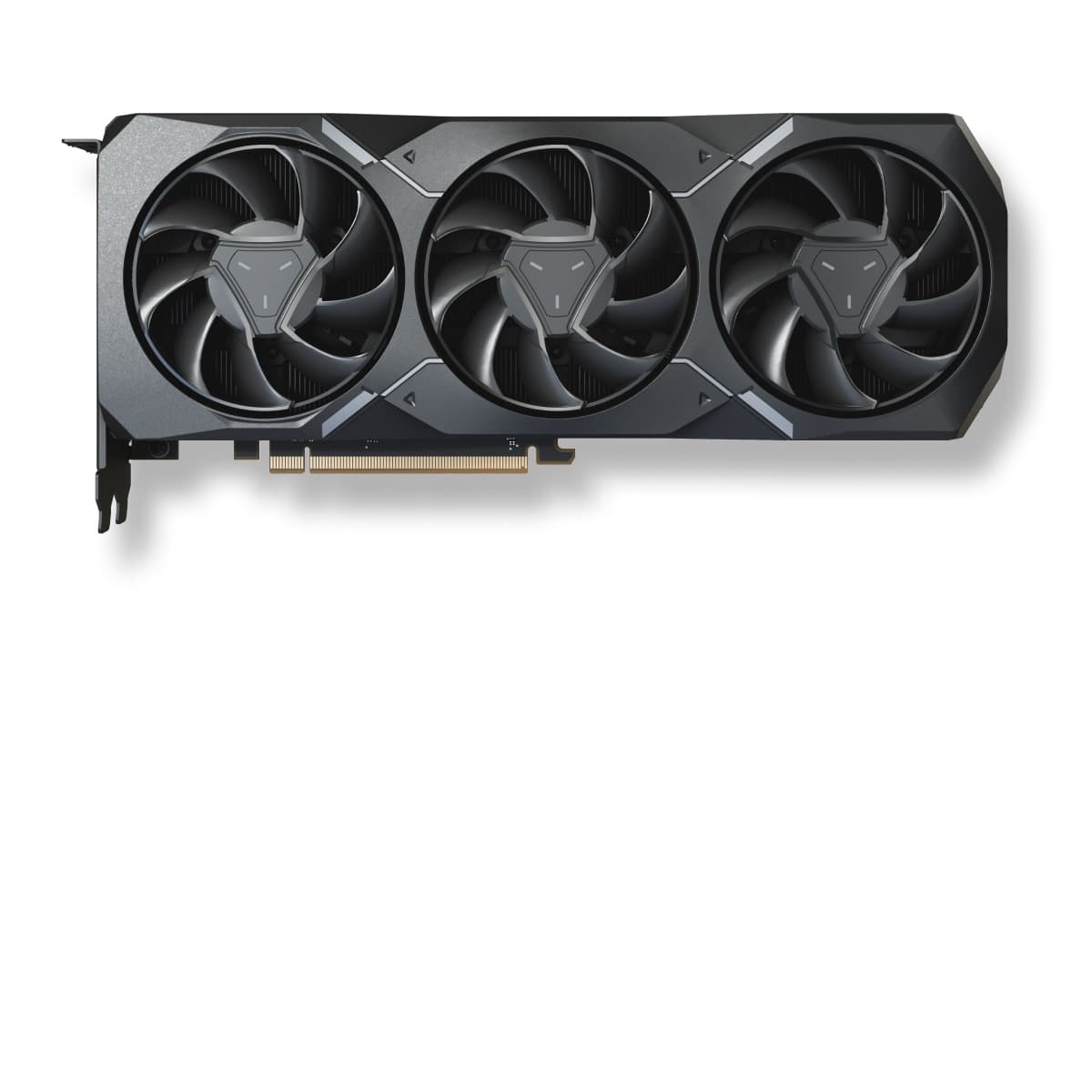
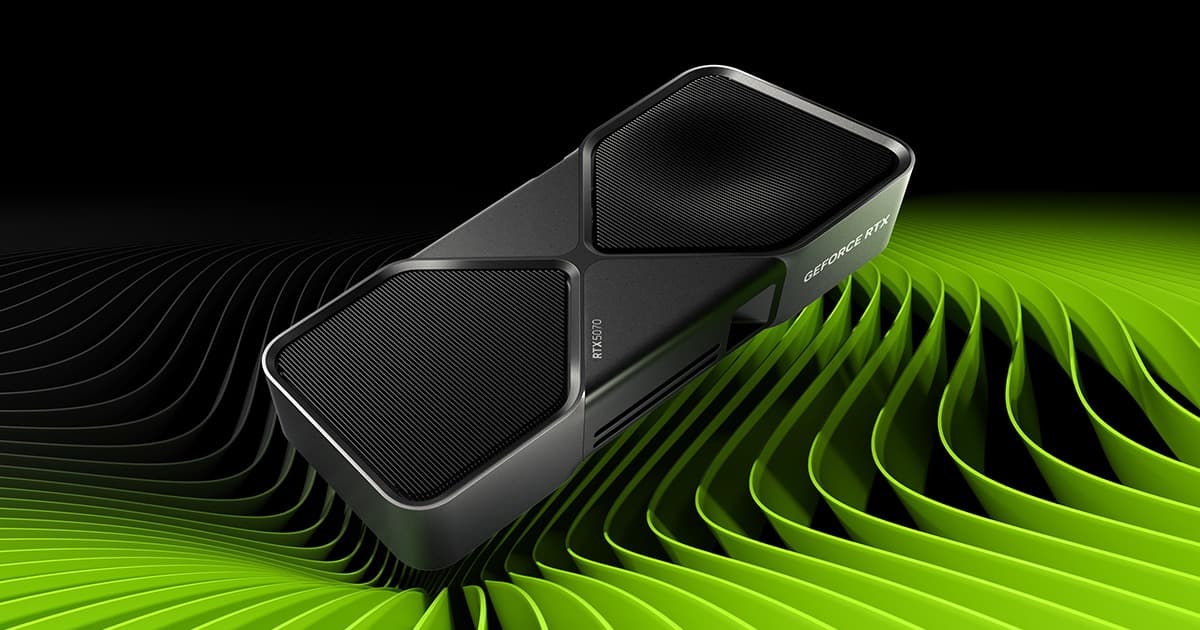
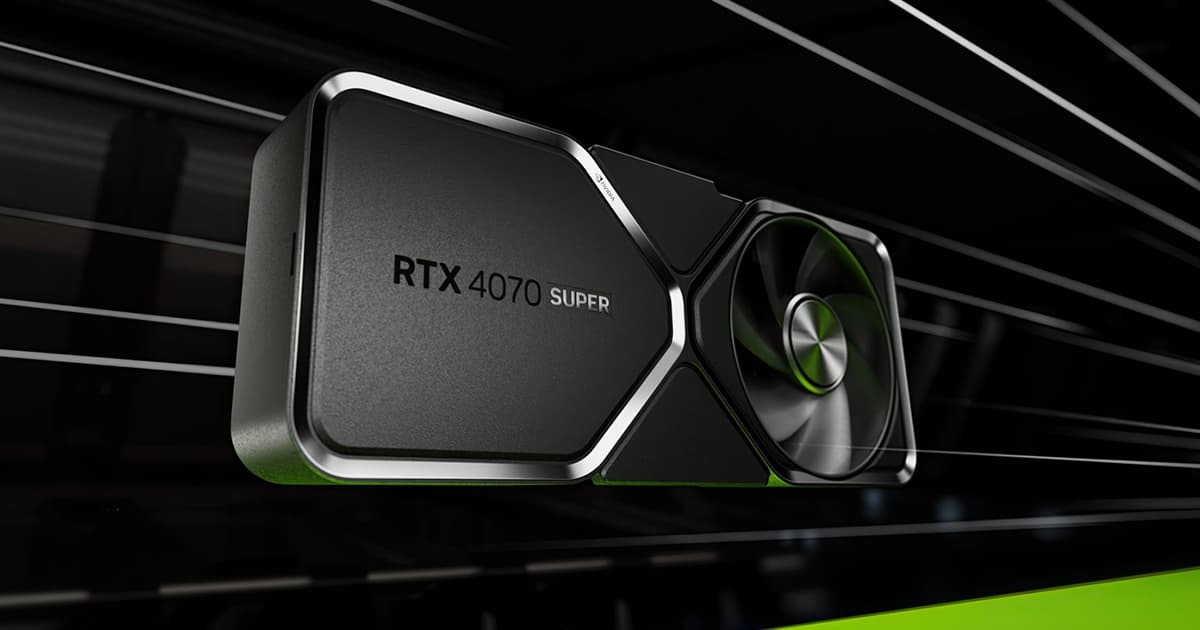
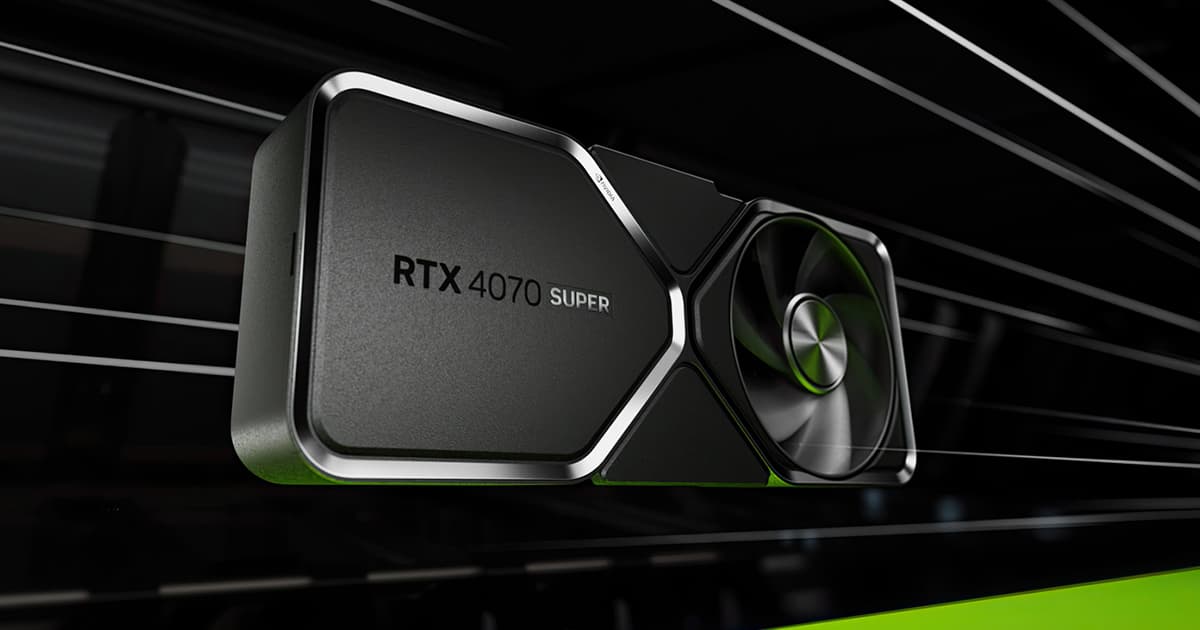

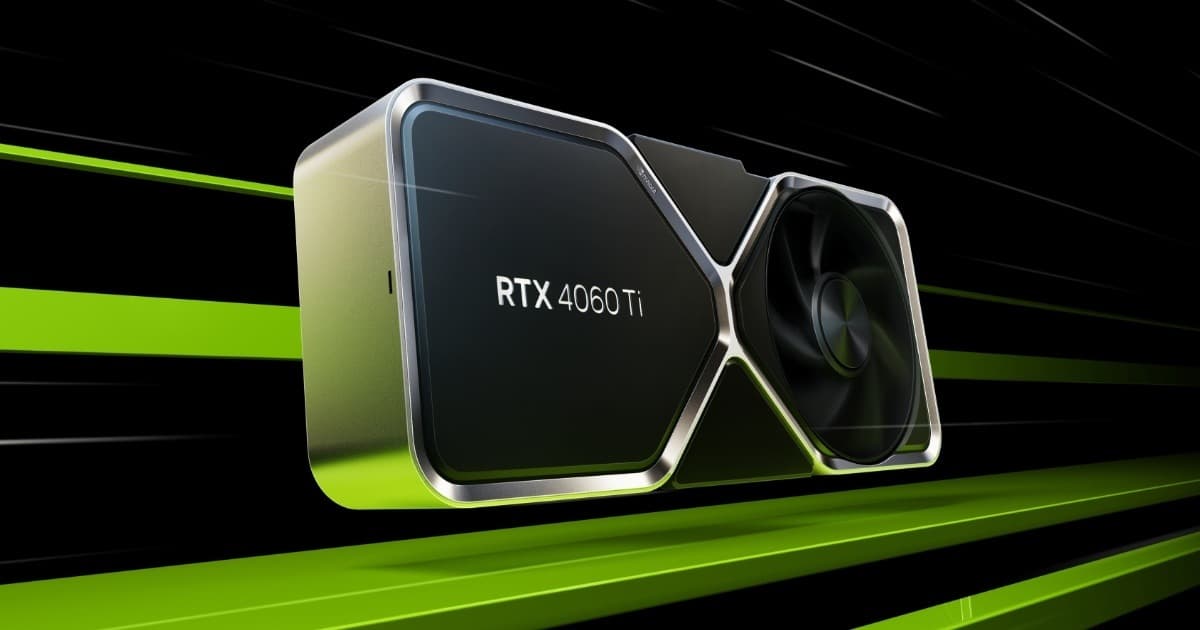
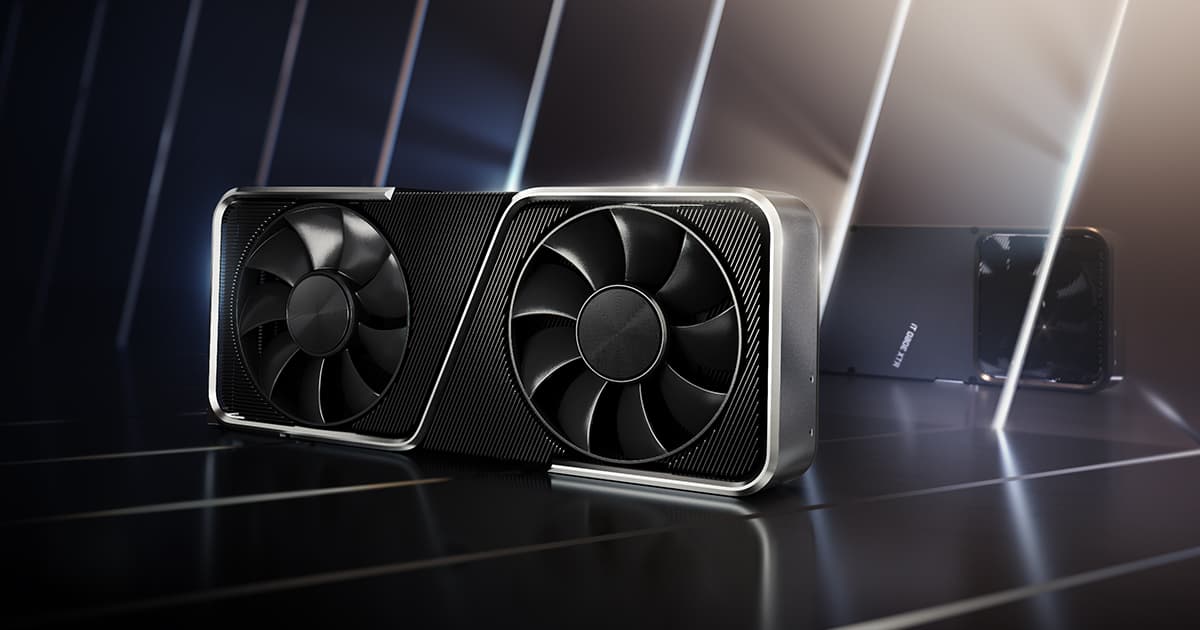
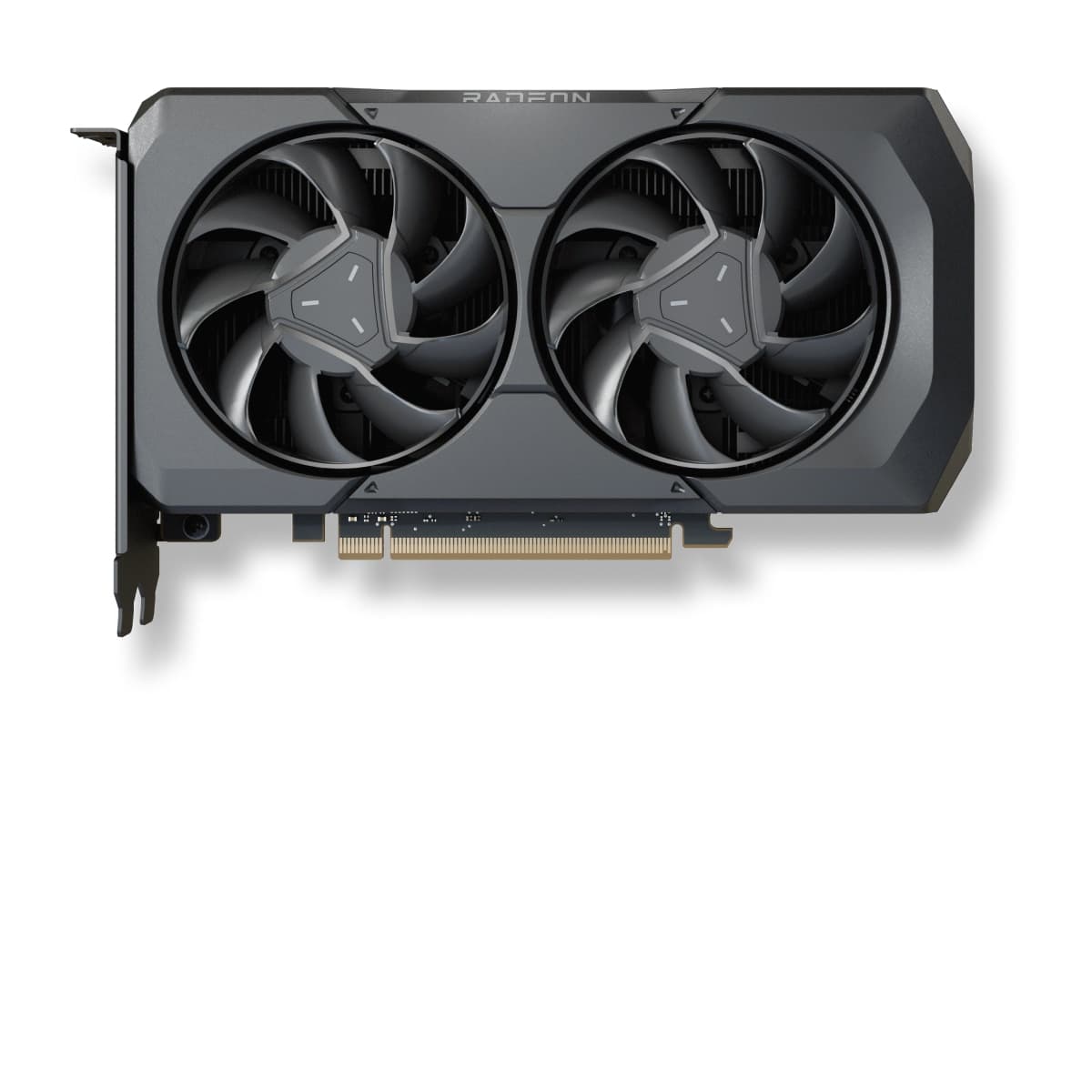
As an Amazon Associate, CheckFPS earns from qualifying purchases. Prices and availability may vary.
What GPU do you need for Microsoft Flight Simulator?
Microsoft Flight Simulator is a very demanding game. To reach 60 FPS at 1080p on Ultra quality, you will need at least a RTX 4060 Ti or equivalent.
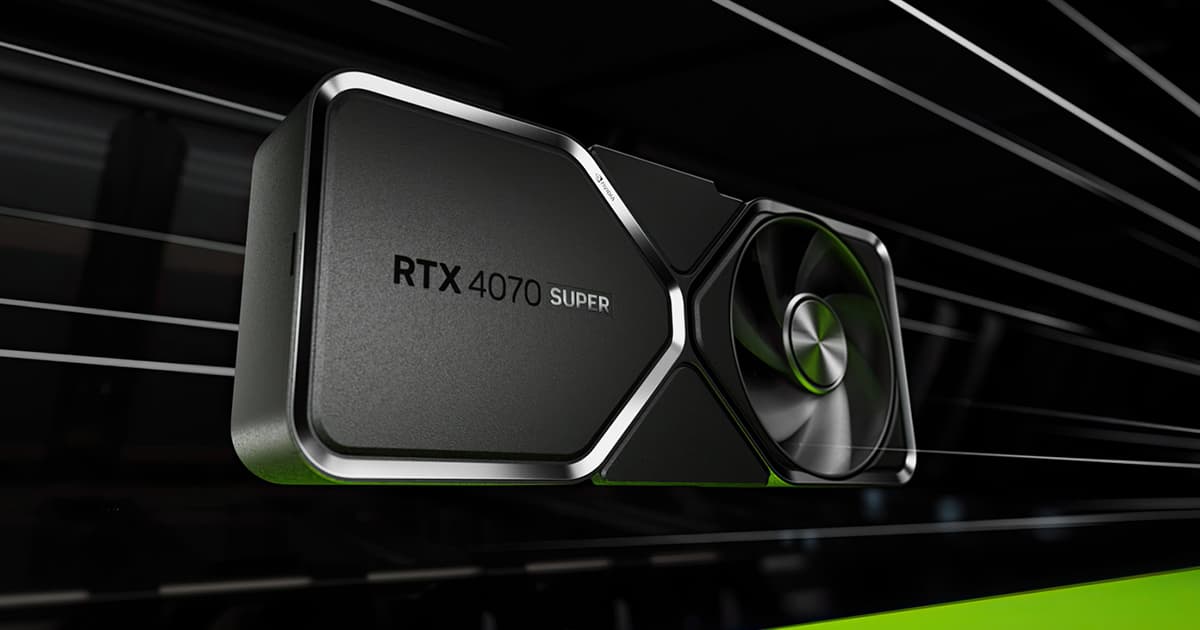
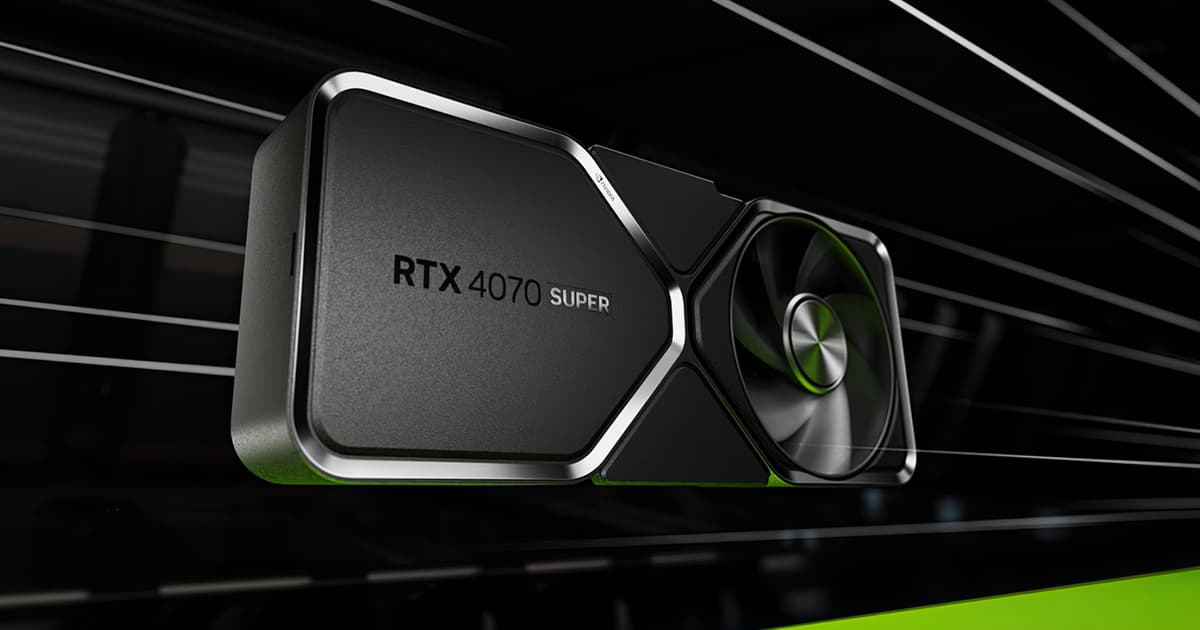
To play at 1440p smoothly (60+ FPS), a RTX 4070 Super is enough. At 4K, you will need a RTX 4080 Super or better for a smooth experience.
Want more FPS in Microsoft Flight Simulator?
Our guide collects the settings that give between +40% and +90% FPS in Microsoft Flight Simulator with barely any visual loss. Recommended settings, GPU-specific tips (NVIDIA/AMD/Intel) and solutions to common game issues.


