How Many FPS Does World of Tanks Get with RTX 5060 Ti 8GB? Performance at 1080p, 1440p & 4K
 Affiliate link
Don't have World of Tanks yet?
Get it cheaper with an official key on Eneba.
Want the RTX 5060 Ti 8GB at the best price?
Check the current price on Amazon.
Game keys on saleUpcoming games, cheaper with an official key.

Assassin's Creed Black Flag Resynced
View on Eneba →

Halo: Campaign Evolved
View on Eneba →

Beast of Reincarnation
View on Eneba →

The Sinking City 2
View on Eneba →

Resonance: A Plague Tale Legacy
View on Eneba →

Star Wars Zero Company
View on Eneba →

The Blood of Dawnwalker
View on Eneba →

Halloween: The Game
View on Eneba →

Warhammer 40,000: Dawn of War IV
View on Eneba →

Silent Hill: Townfall
View on Eneba →

Control Resonant
View on Eneba →

Ace Combat 8: Wings of Theve
View on Eneba →

Gears of War: E-Day
View on Eneba →
Affiliate link
RTX 5060 Ti 8GB Specifications
These are the basic specs. The full RTX 5060 Ti 8GB page adds the rest of the technical data and its FPS game by game, not just in World of Tanks.
Want the exact World of Tanks FPS with your RTX 5060 Ti 8GB?
These FPS assume a reference CPU. Add your real processor and RAM and we'll tailor the estimate to your rig.
- Estimate tailored to your rig
- Customize resolution, quality, and RAM
World of Tanks benchmark on RTX 5060 Ti 8GB: FPS by resolution and quality
Pick yours and we recalculate the whole table above with it.

World of Tanks FPS with a RTX 5060 Ti 8GB and a Intel Core i5-13400
| Quality | 1080p (Full HD) | 1440p (2K) | 4K (Ultra HD) |
|---|---|---|---|
| Ultra | 400FPS min 188Excellent | 352FPS min 174Excellent | 88FPS min 69Good |
| High | 500FPS min 235Excellent | 458FPS min 226Excellent | 114FPS min 89Good |
| Medium | 500FPS min 235Excellent | 500FPS min 247Excellent | 149FPS min 117Excellent |
| Low | 500FPS min 235Excellent | 500FPS min 247Excellent | 193FPS min 151Excellent |
| Bottleneck (estimated) | CPU 69% | CPU 65% | CPU 15% |
The percentage estimates how much of the stronger component's capability goes unused because of the other one.
This one does matter: from the Intel Core i9-14900K downwards the processor becomes the brake on the RTX 5060 Ti 8GB. There is 5% between the slowest and fastest CPU in the table. One caveat: this is at 1080p, where the CPU weighs most. At 1440p and 4K the graphics card takes over and the processor stops mattering.
DLSS performance: FPS with AI upscaling
Upscaling renders World of Tanks at a lower internal resolution and reconstructs the image, so you trade a little sharpness for extra frames. These are the estimated figures for the RTX 5060 Ti 8GB with DLSS enabled, starting from its native Ultra FPS.
| Resolution | Native | DLSS Quality | DLSS Performance | + Frame generation |
|---|---|---|---|---|
| 1080p | 400 | 500 | 580 | 850 |
| 1440p | 352 | 475 | 581 | 808 |
| 4K | 88 | 128 | 163 | 218 |
Frame generation inserts intermediate frames: it raises the smoothness you see on screen, but it does not reduce input latency, so use it selectively in competitive games.
About ray tracing: every figure on this page is with ray tracing off. The RTX 5060 Ti 8GB does have dedicated hardware for it, so you can turn it on in games that implement it. The FPS cost swings widely depending on how much ray tracing each title uses, and DLSS is exactly what people lean on to pay for it.
Estimated figures. The real gain varies by game and by the version of the technology.
Is the CPU or the graphics card holding you back?
These FPS assume a mid-range CPU that isn't a bottleneck — roughly a Intel Core i5-13400 — and 16 GB of RAM.
With that CPU, the RTX 5060 Ti 8GB has headroom to spare in World of Tanks: the processor runs out before the graphics card does. A faster processor would gain you FPS; a stronger graphics card would barely help.

Is the RTX 5060 Ti 8GB Enough for World of Tanks?
The RTX 5060 Ti 8GB delivers 400 FPS at 1080p Ultra in World of Tanks. More than enough for 144Hz. You can comfortably play at 1440p.
At 1440p it gets 352 FPS and at 4K 88 FPS at Ultra quality.
This GPU is more than enough — you can play at 1440p or 4K comfortably
Want more FPS in World of Tanks?
Our guide collects the settings that give between +40% and +90% FPS in World of Tanks with barely any visual loss. Recommended settings, GPU-specific tips (NVIDIA/AMD/Intel) and solutions to common game issues.
RTX 5060 Ti 8GB or RTX 4080 Laptop for World of Tanks?
In World of Tanks at 1080p Ultra both land on the same figure: 400 FPS. Price and power draw are what separate them.
RTX 5060 Ti 8GB vs RTX 4080 Laptop: which one is faster?Other GPUs for World of Tanks
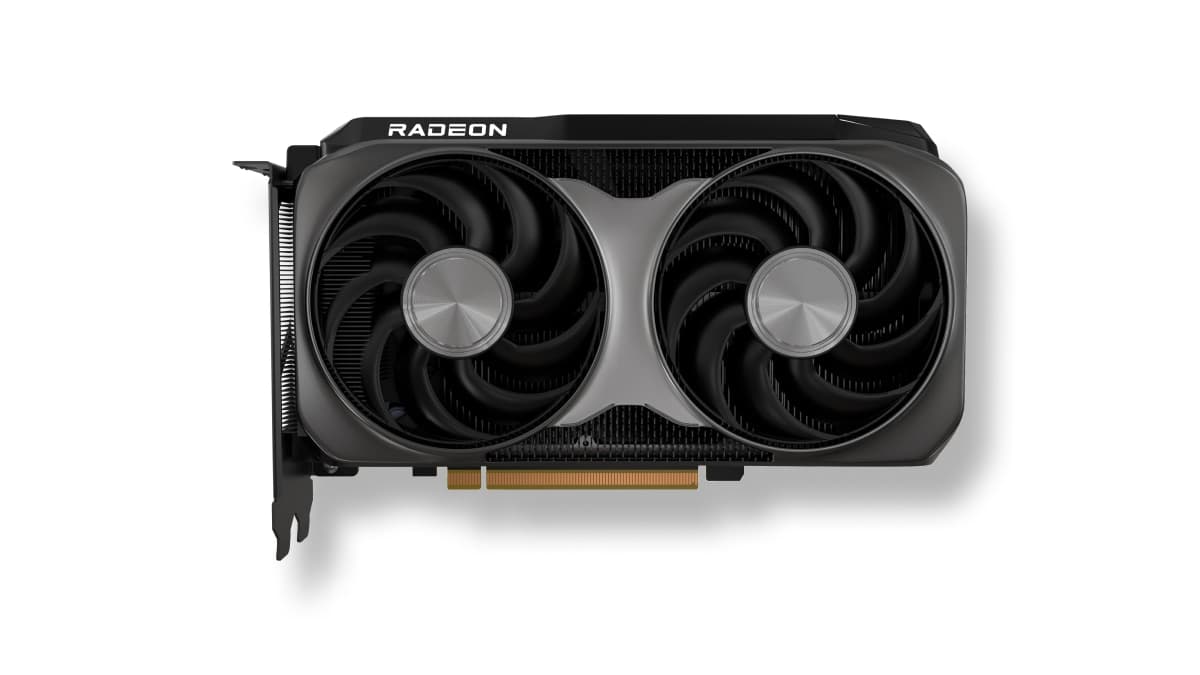
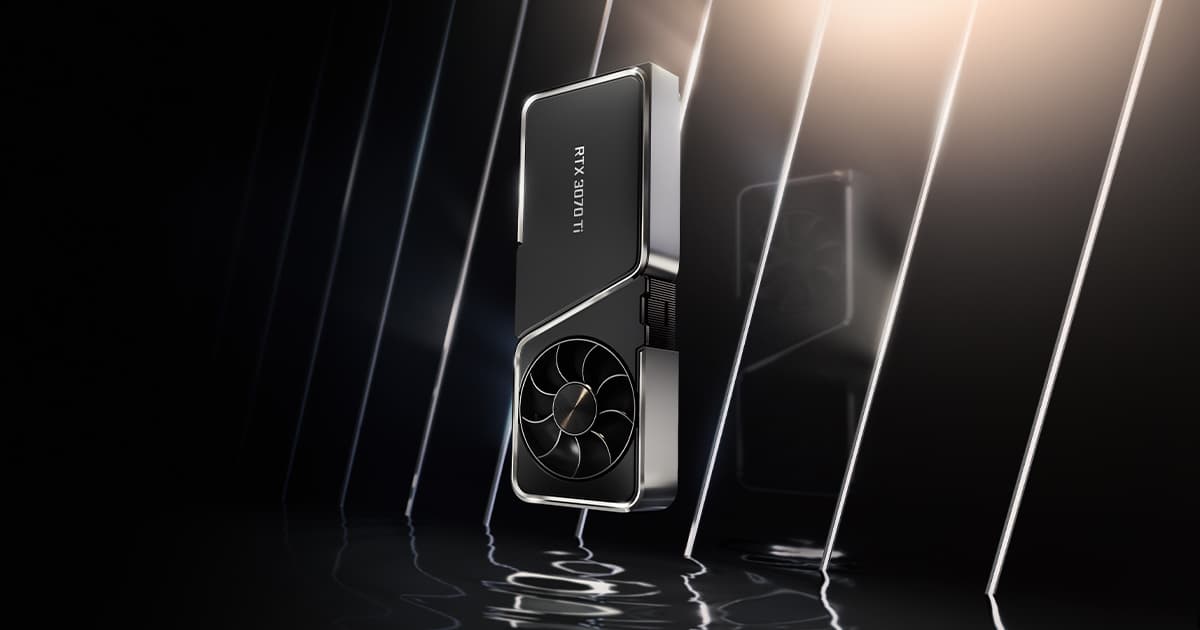
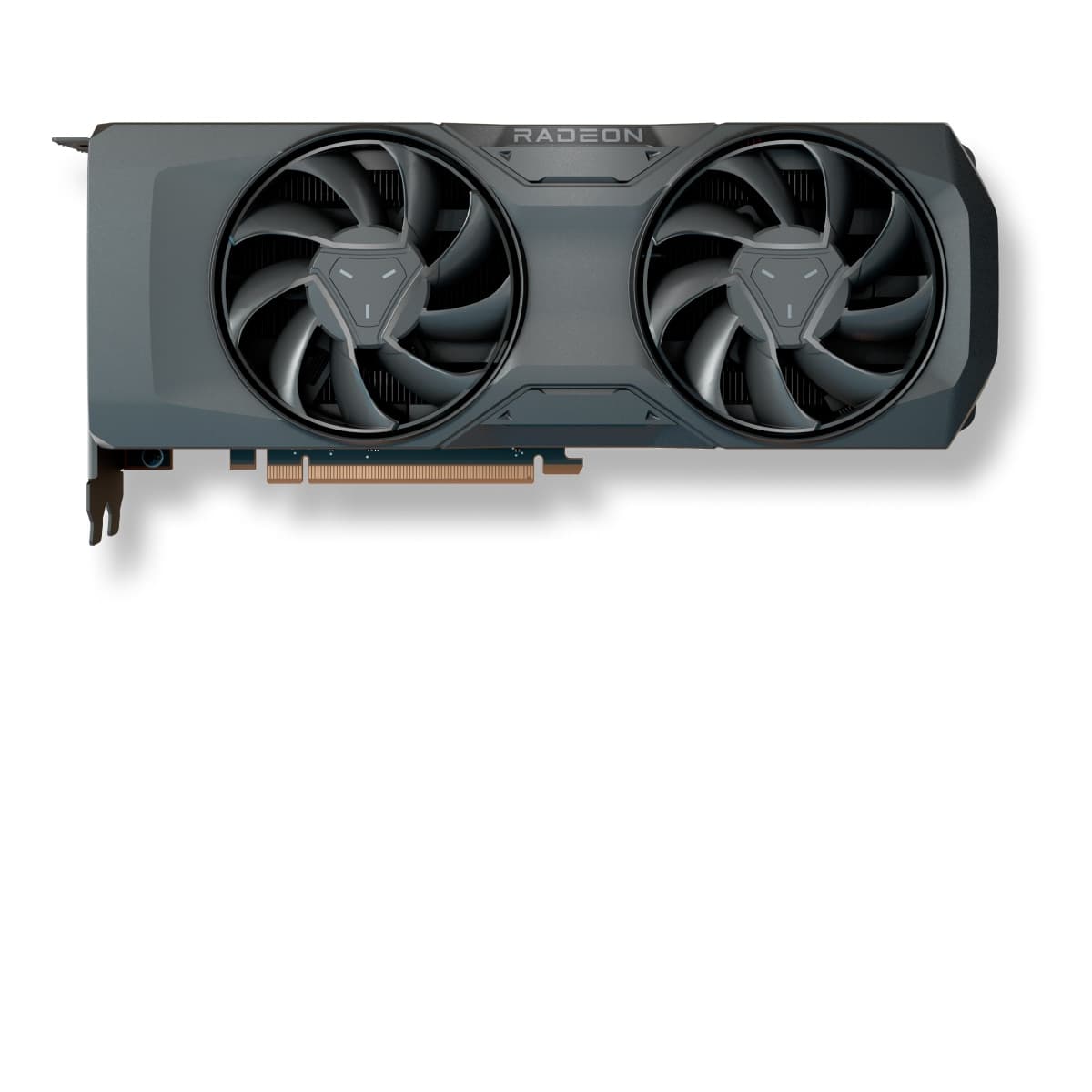
If none of these convinces you for World of Tanks, the full ranking sorts all 143 cards by real FPS, not synthetic scores.
See the full graphics card ranking by real FPS


